
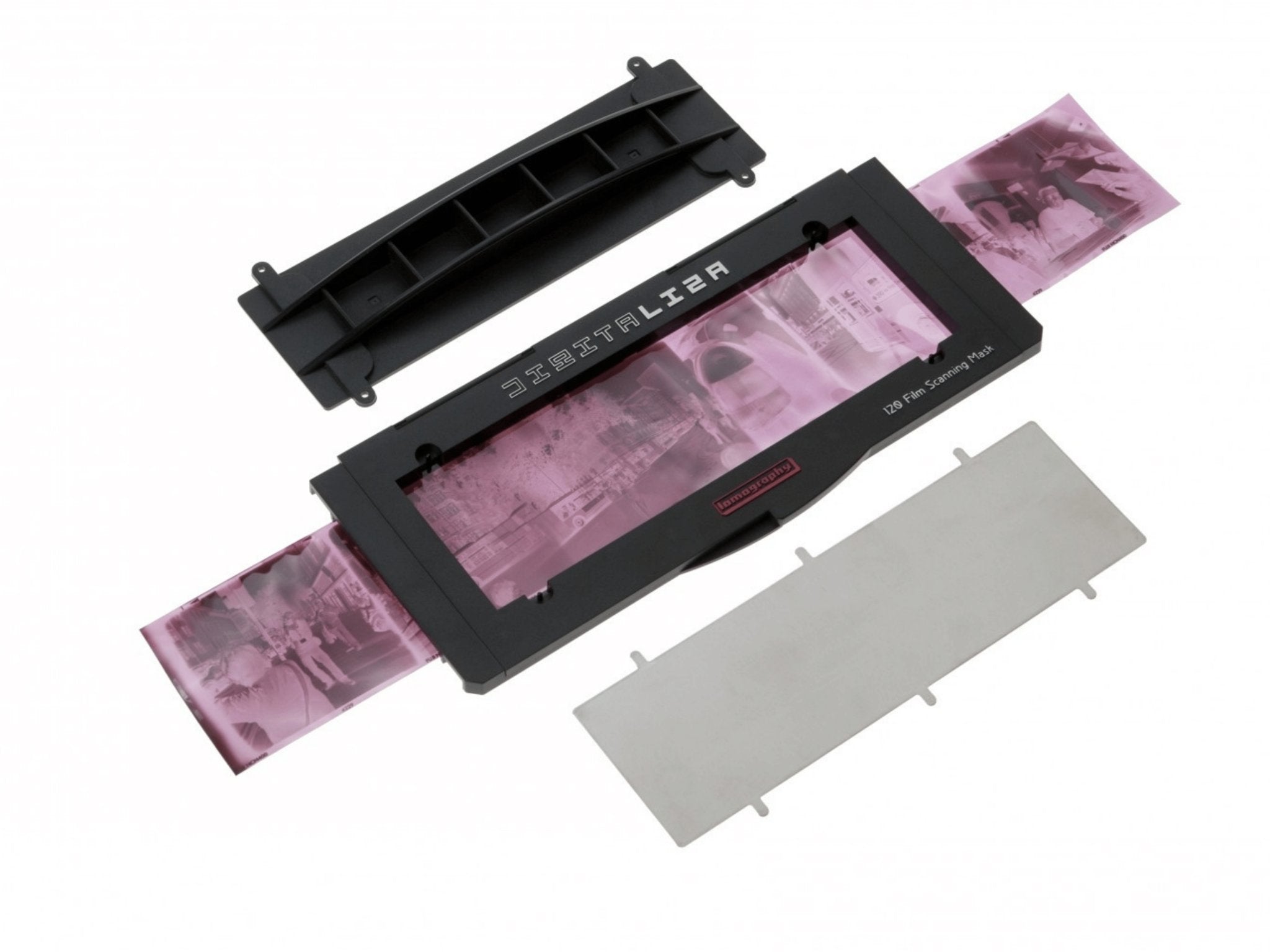
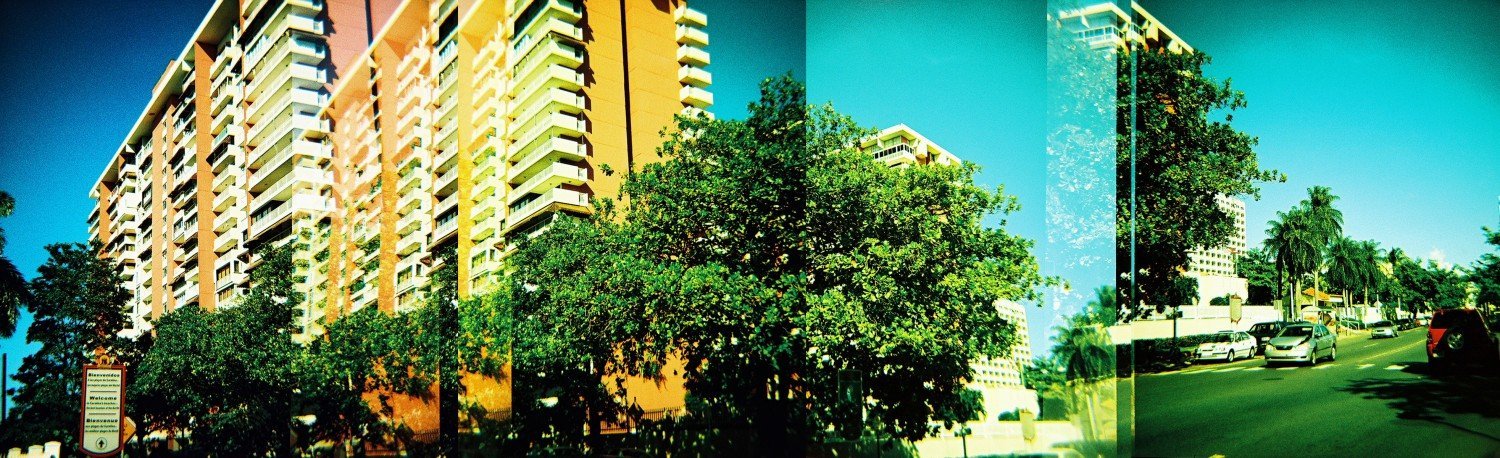
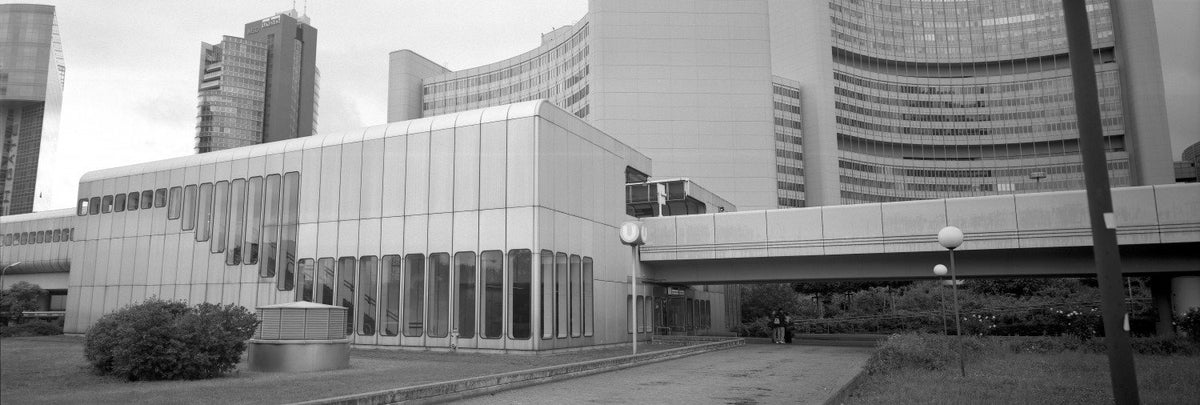

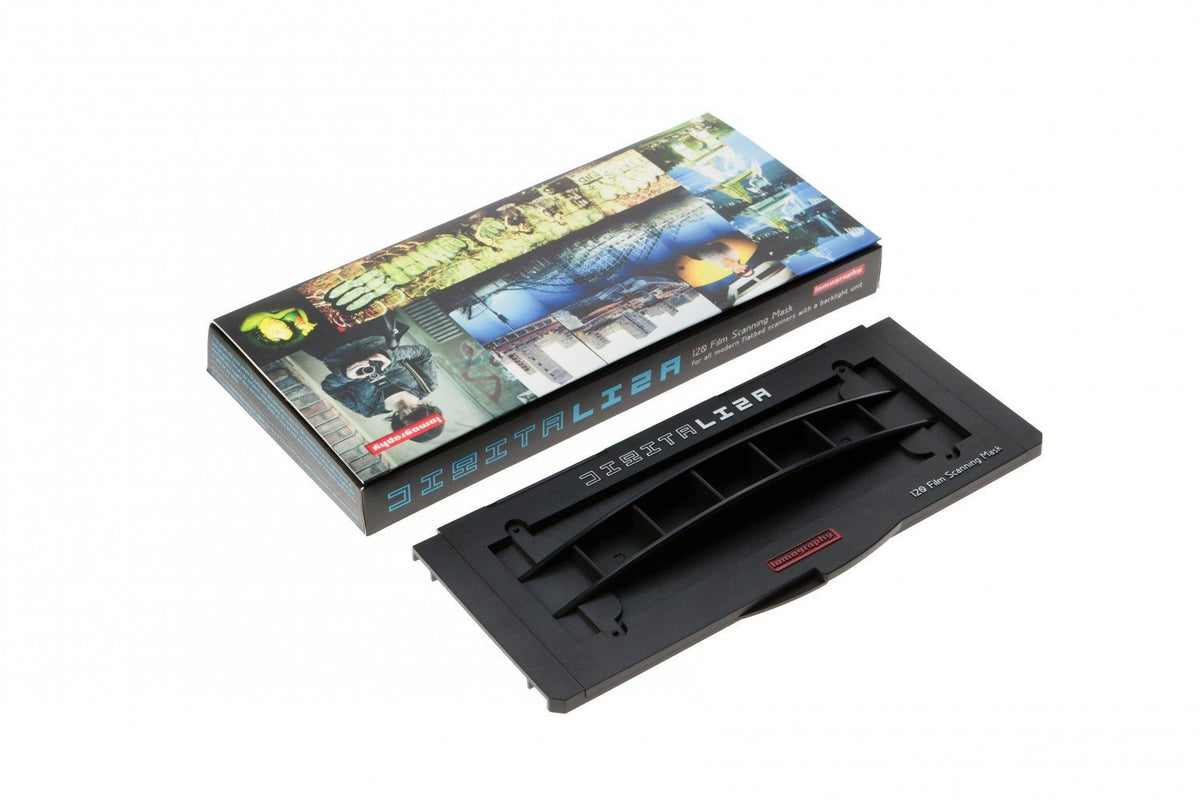


Description
Payment & Security
Your payment information is processed securely. We do not store credit card details nor have access to your credit card information.
Customers also bought these
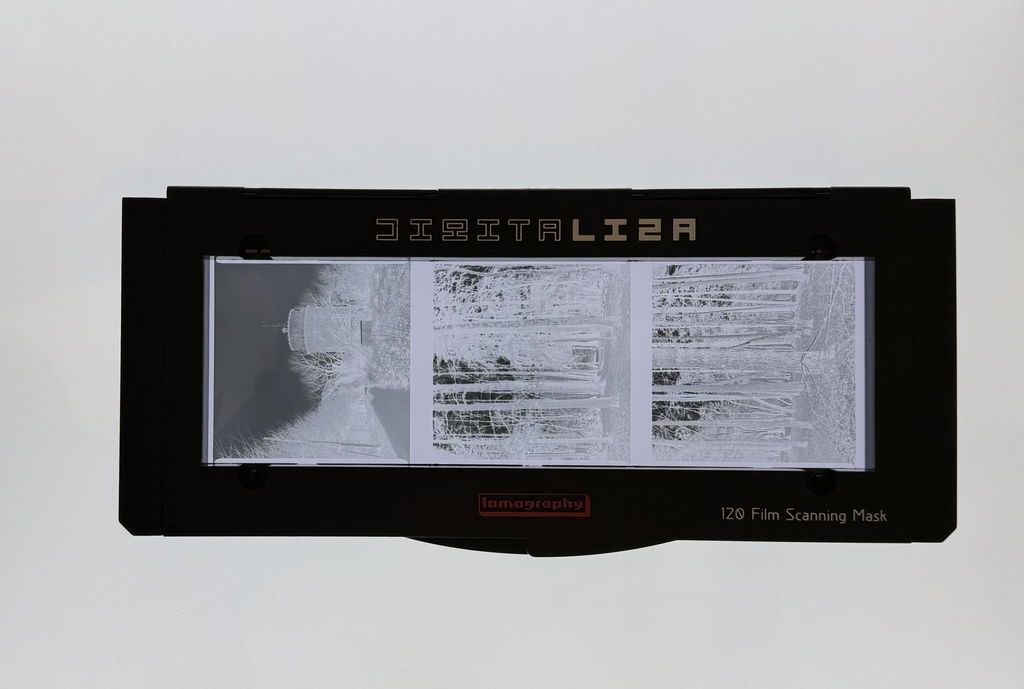
The scanning mask is easy to use and holds 120 film well, making it easy to photograph the negatives with my DSLR. I already had the 35mm version and that worked well, so getting the 120 version was an obvious next step. I can recommend this scanning mask, I think it is the best one out there for photographing your negatives.
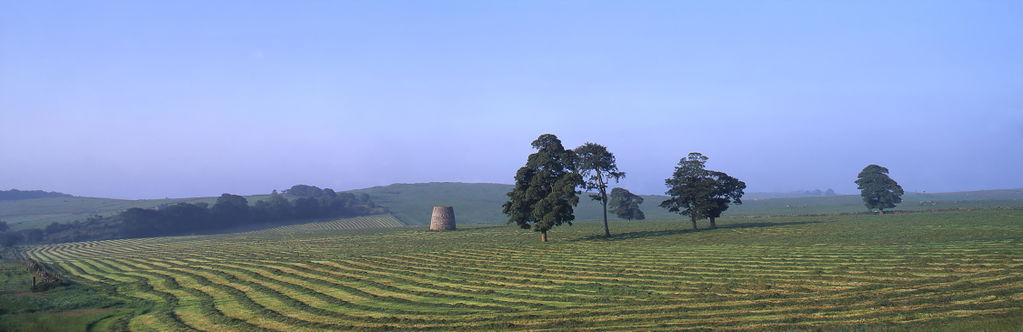
Great bit of kit for scanning 120 film especially 6x17cm 120 film hold film flat on Epson v750 pro flatbed scanner
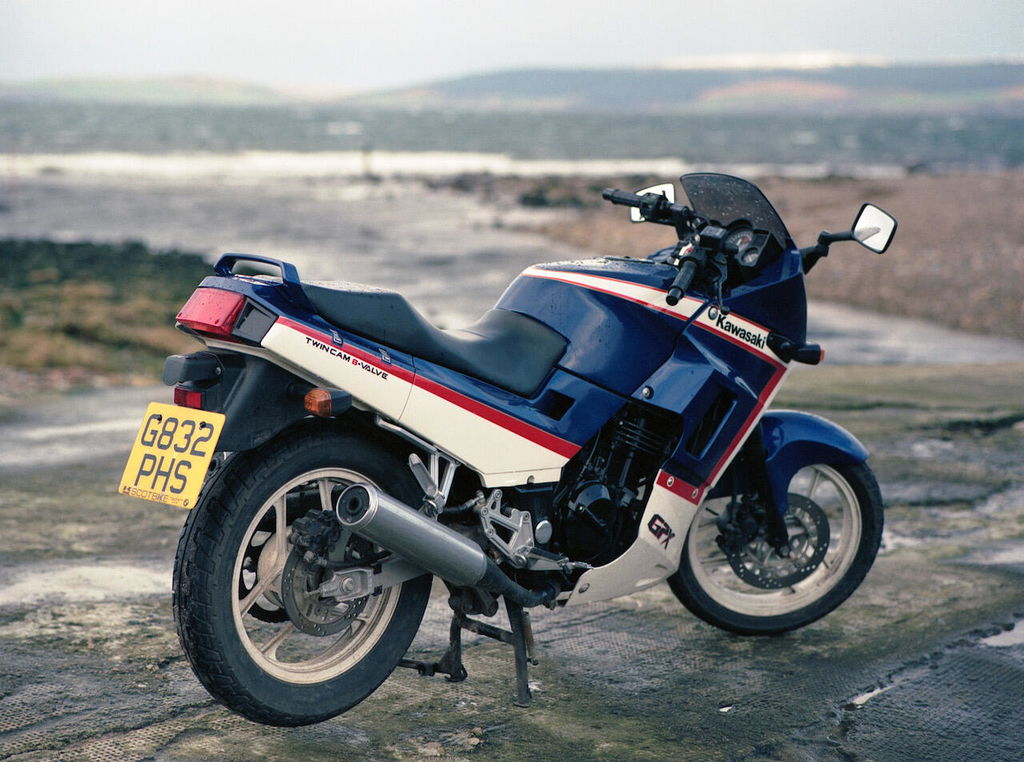
The clever design of this scanning mask makes it easy to use and helps keep the film as flat as possible. I used it with an Epson Perfection V600 to scan 645 negatives I took many years ago. The scans were successful and I found the magnetic elements of the mask heped in positioning the film properly.
I thought I'd give this a go, to save money on prints/scans. Very easy to use and most importantly, this does hold the negative flat. The sample image looks slightly out of alignment but that's probably due to my camera not being perfectly straight, as I was using a normal tripod rather than an overpriced copy stand. The only slight... negative... for me is the size of the aperture. It covers some of the film markings and although for the vast majority of shots I would crop these out anyway, it's nice to have the option of the film clutter aesthetic.
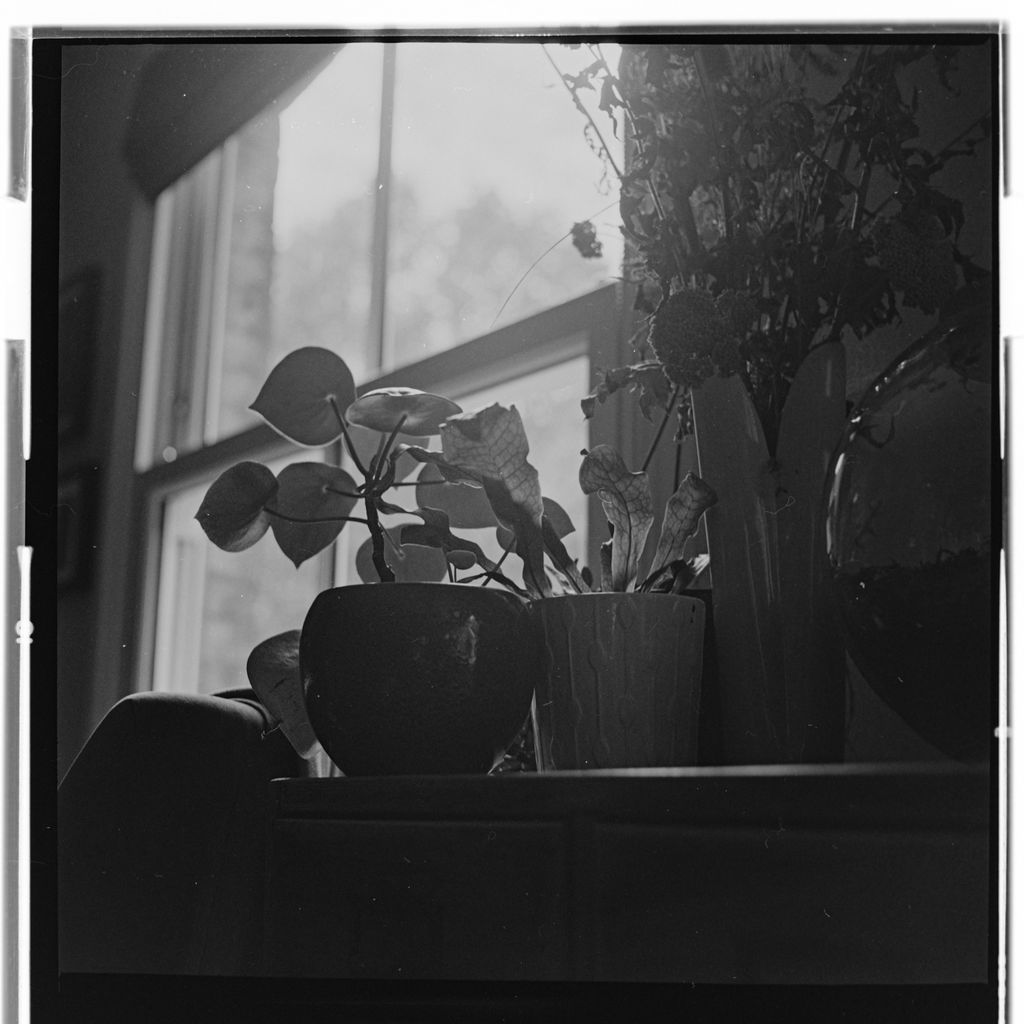
Recommend this as a way to hold and scan your 120 negatives as long as they are cut to the right length
Very easy to set up and use, holds 120 negatives flat as long as they’re cut to the right length
I already have the 35mm version. If you have it and are not sure if you would like the 120 version then it is a much better experience.
Great neg holder, without having to spend a fortune, pop the neg in this holder, which is solidly built by the way, either use your phone, with a negative scanner app, or a digital camera, then post edit, sooo much cheaper than film labs, especially if you develop your own
A huge upgrade from the flimsy 120 mask supplied with the Epson V600. Images mostly stay flat but can sometimes still bend slightly in the middle, but the resulting picture quality has been a big step up.
I had the 35mm version of this and wanted to be able to scan outside the image area so that the crop could be mine and not a bit of software that didn't always get it right. I have that - its a good mask and I like it. You can't get right to the very edge of the film, but then I don't know of a mask where you can. You can certainly scan the numbers and outside the image area.
Definitely a big step up from the plastic flimsy Epsom mount. It still helps enormously to have flat film to start with. Even with this mask.
I have now been using this for a couple of months and I am really happy to be able to report that anything I have tried it has handled well. From normal sections of negatives to the odd sized and badly cut ones. I have been able to get them to lay flat which means I have been able to digitise these old negs and then work on them in my computer.
I am really grateful that Analogue Wonderland have stocked and sold this product many thanks to you.
Before I got this, I was using a ghetto ass piece of cardboard with a hole cut to keep my negatives flat while I scanned with a digital camera. This is much easier to use, and the results are much better. My one criticism is sometimes it can be fiddly to get the film lined up and straight without sagging in the middle. Especially if you're trying to minimise how much you touch the negative.
The 120 film will sag a bit in the middle and thus will not be perfectly flat. When scanning with a digital camera, the sagging will affect frame edges perpendicular to the scanning mask, and the edges will not be straight in the scan. Not dramatic but noticeable. Depth of filed of my scanning lens seems to be enough to keep the whole scan sharp. Otherwise the scanning mask is simple and easy to use. Make sure you clean the metal and plastic plates to remove dust before use. When using them make sure you place them upside up so that they don't collect dust from surfaces. I have been able to get surprisingly dust-free scans by being paying attention to this.
Can I use this mount to hold the film against a lightbox/laptop screen to allow me to photograph the negative? Thanks
You can yes. It works pretty great. I'd recommend a lightbox for it though as a laptop screen will be a bit unreliable.
Yes, that's exactly how I do it, Then I have my DSLR on a tripod over the scanning mask/light box, take a pic of each frame, transfer it to the laptop, invert the image, vwalla, you have a positive image, with sprockets, double bonus, hope this helps.
PS. really well made product
Hi, I have not done this myself, but I would say the scanning mask is sturdy and good quality, holding the negative nice and flat. I think it would work extremely well using a light box. I imagine that it would be more difficult to use with a laptop screen, which might not provide a white enough light and also would be awkward unless you can lay the laptop screen flat.
Yes you could, but it might be a bit awkward. If you had a stand/clamp to hold it then it would work I would think.
Could you send the outside dimensions of this unit please? Length Width an Hight. (Basic Mask - closed)
Thank you
Nick
Hi Nick, the dimensions are 23cm x 10.5cm x 2cm according to our measurements :) I also reached out to the Lomography team who said the scanning area of the mask is 58x184 mm. I hope that helps :)