




Description
Payment & Security
Your payment information is processed securely. We do not store credit card details nor have access to your credit card information.
Customers also bought these
Perfect for sprocket scanning, excellent ingenious design with magnets, much better than the flimsy holders that come with flatbed scanners.
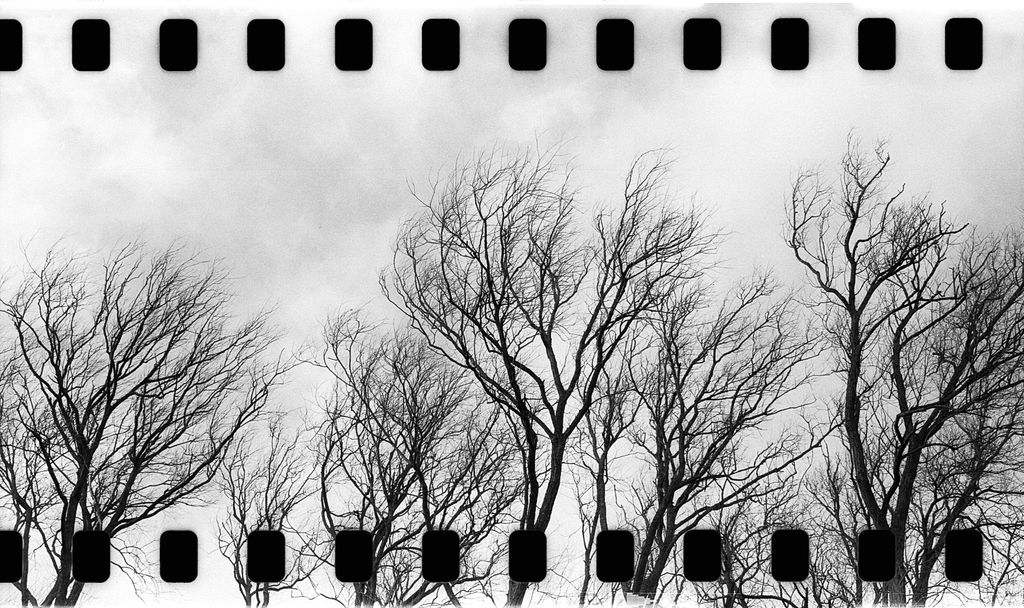
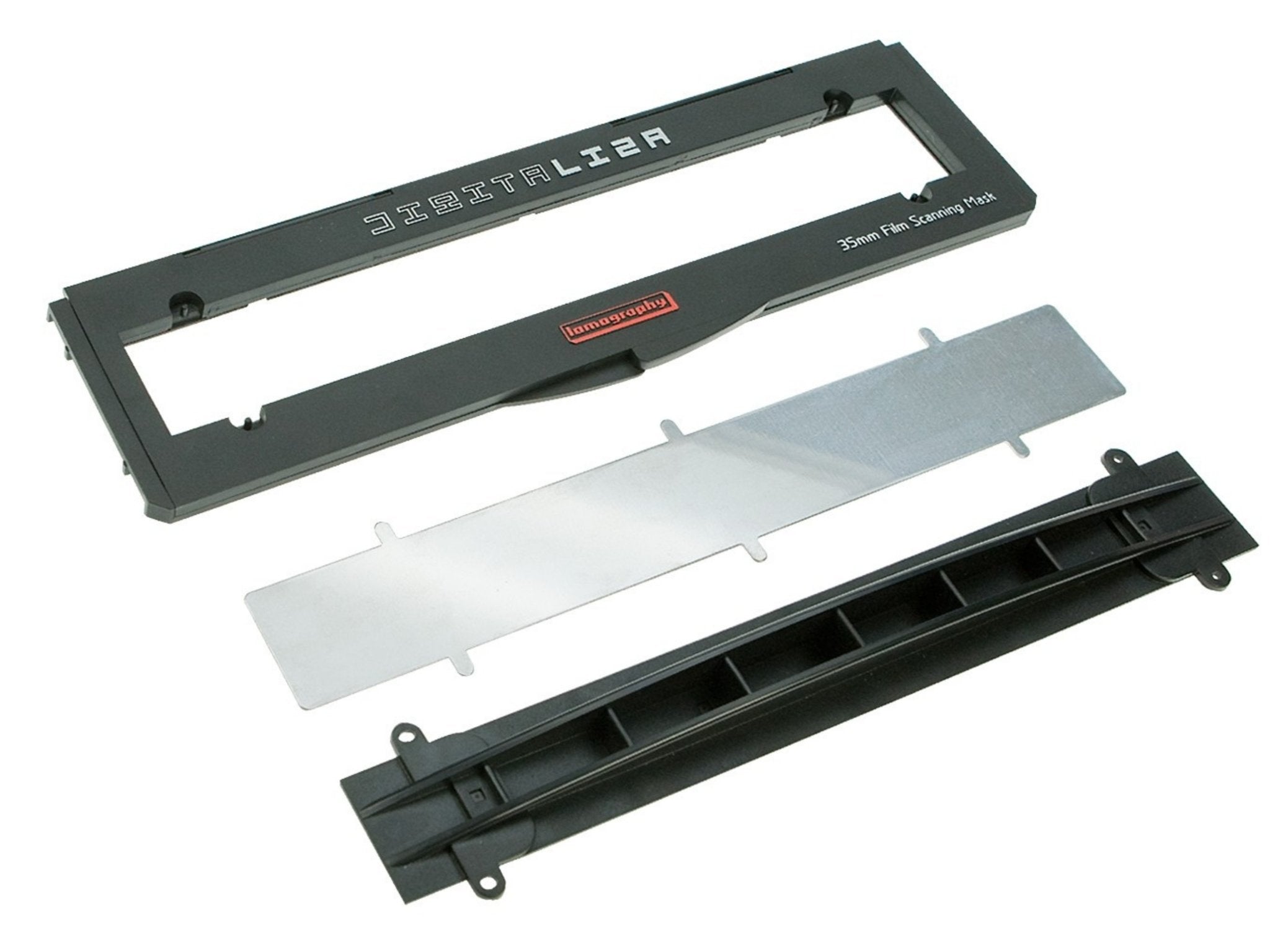
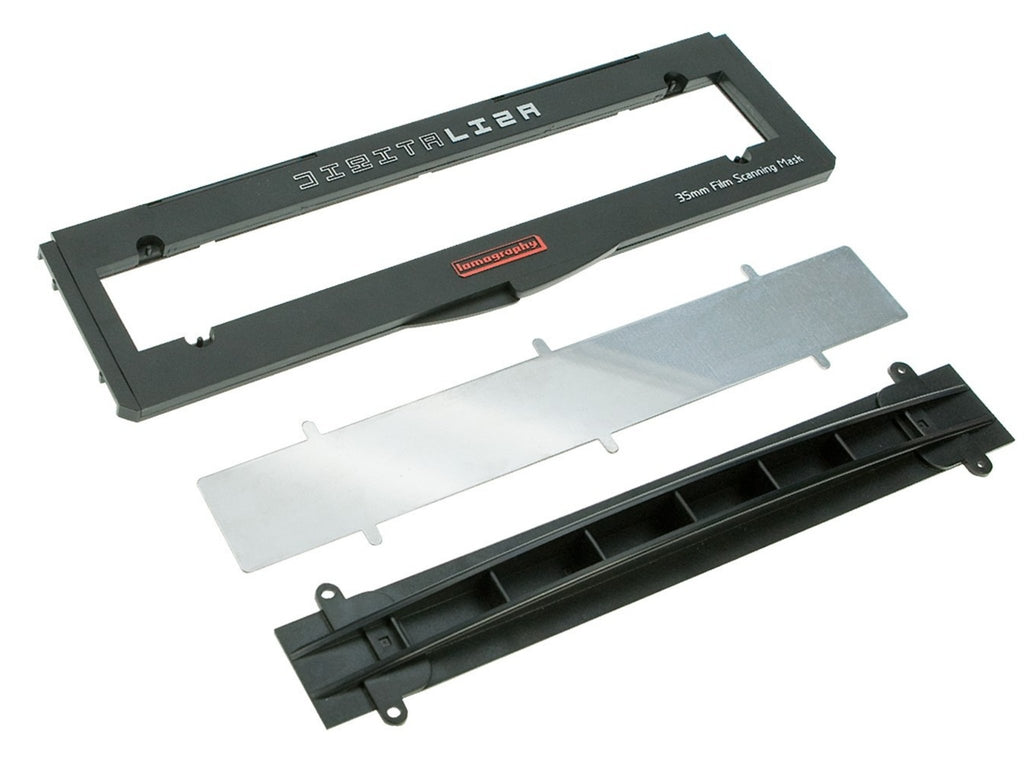
The Lomography Digitaliza produces sharper and better scans than the supplied negative film holder for my Epson V600. The design keeps the negative strip flat to enable better scanning.
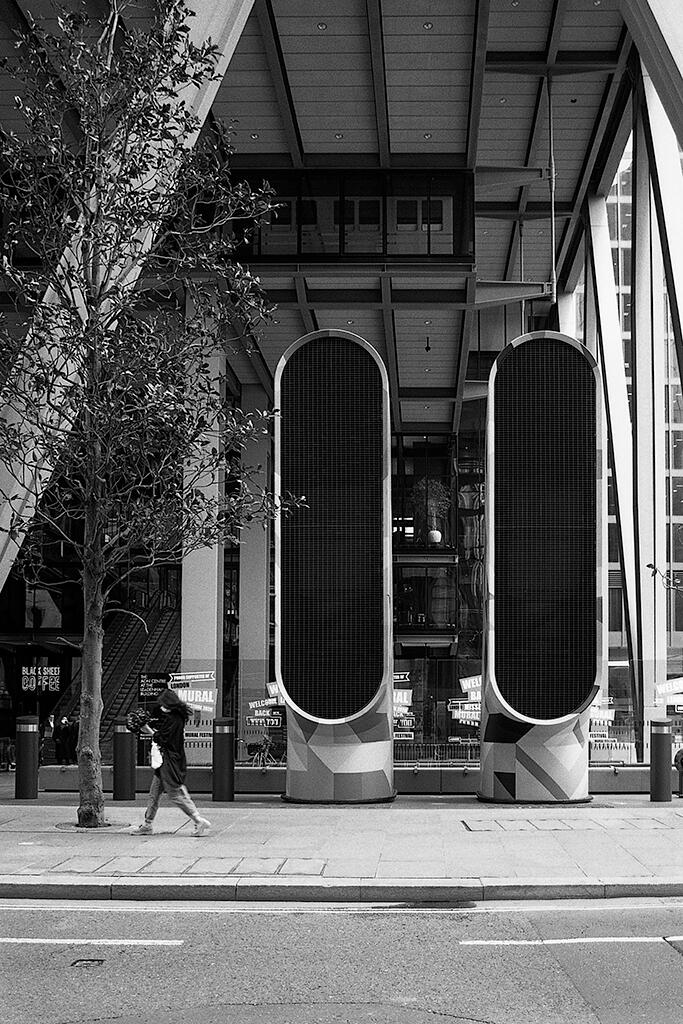
Easy great bit of kit to use when scanning at home note I've only scanned 2 sets of 6 negs but it took a while for me to realise what was wrong with my Epson v600 it troubleshooting that I should remove document cover although it was off but if you slide the digitaliza down slightly it registers that it is there . Although I don't think I had negs in correctly as the sprocket holes were only showing partially on the scans
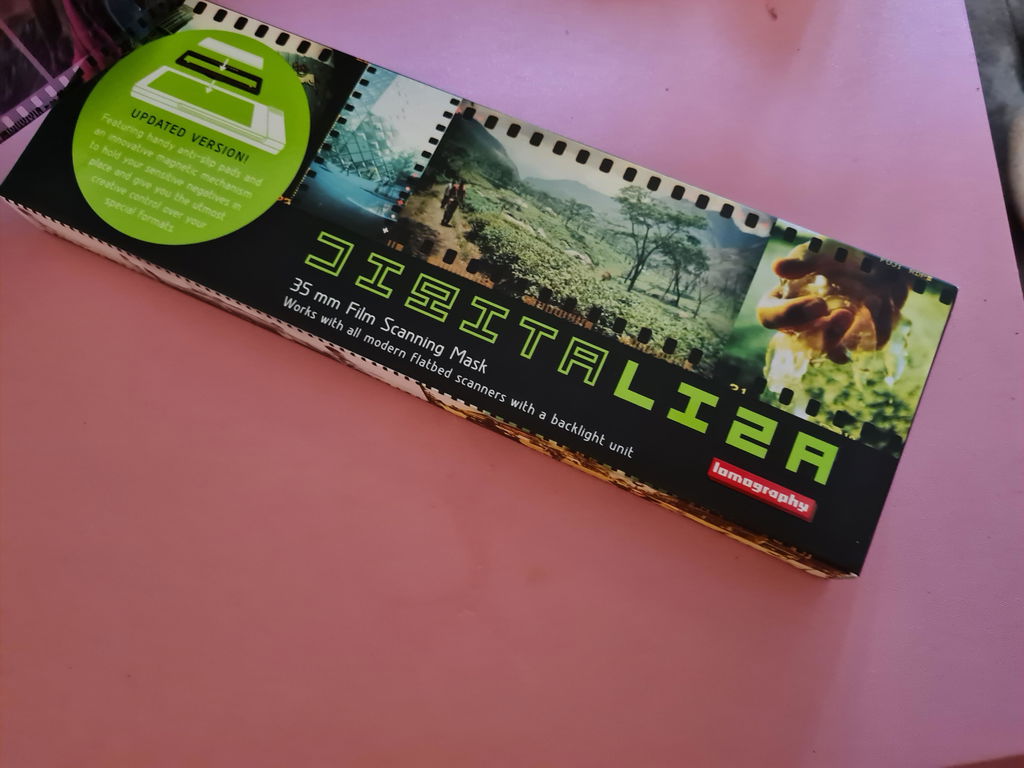
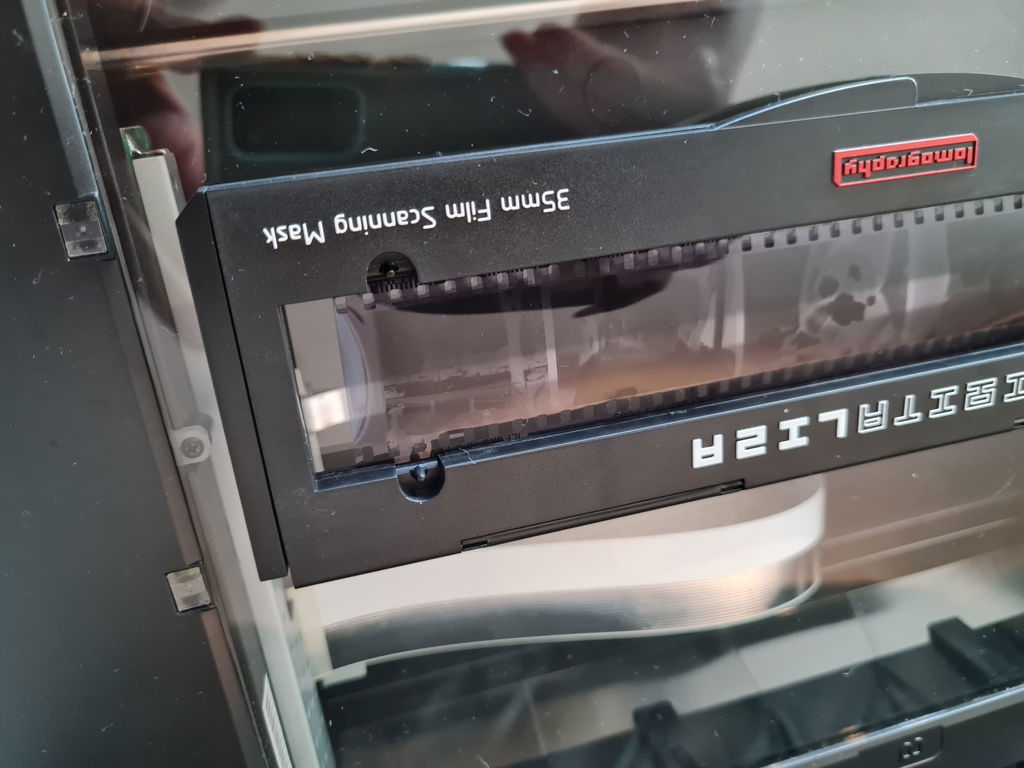
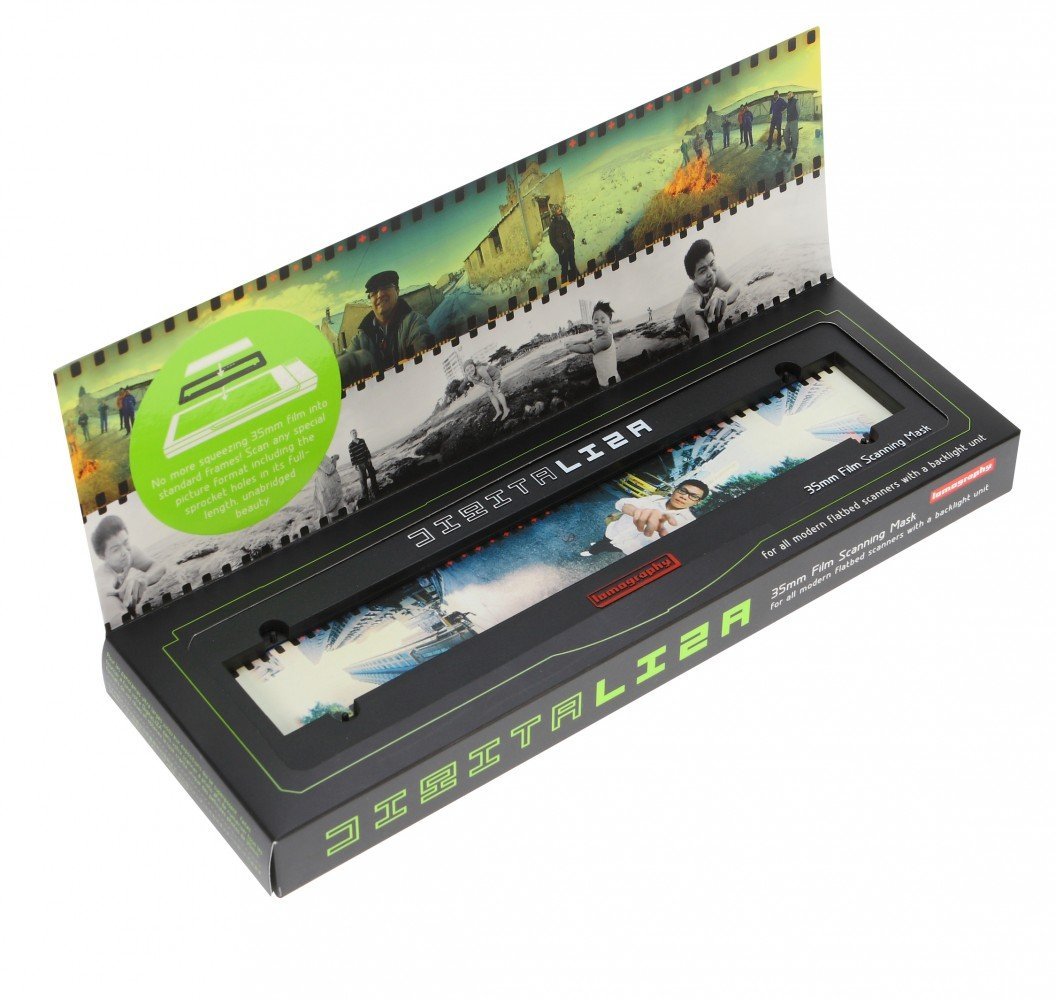
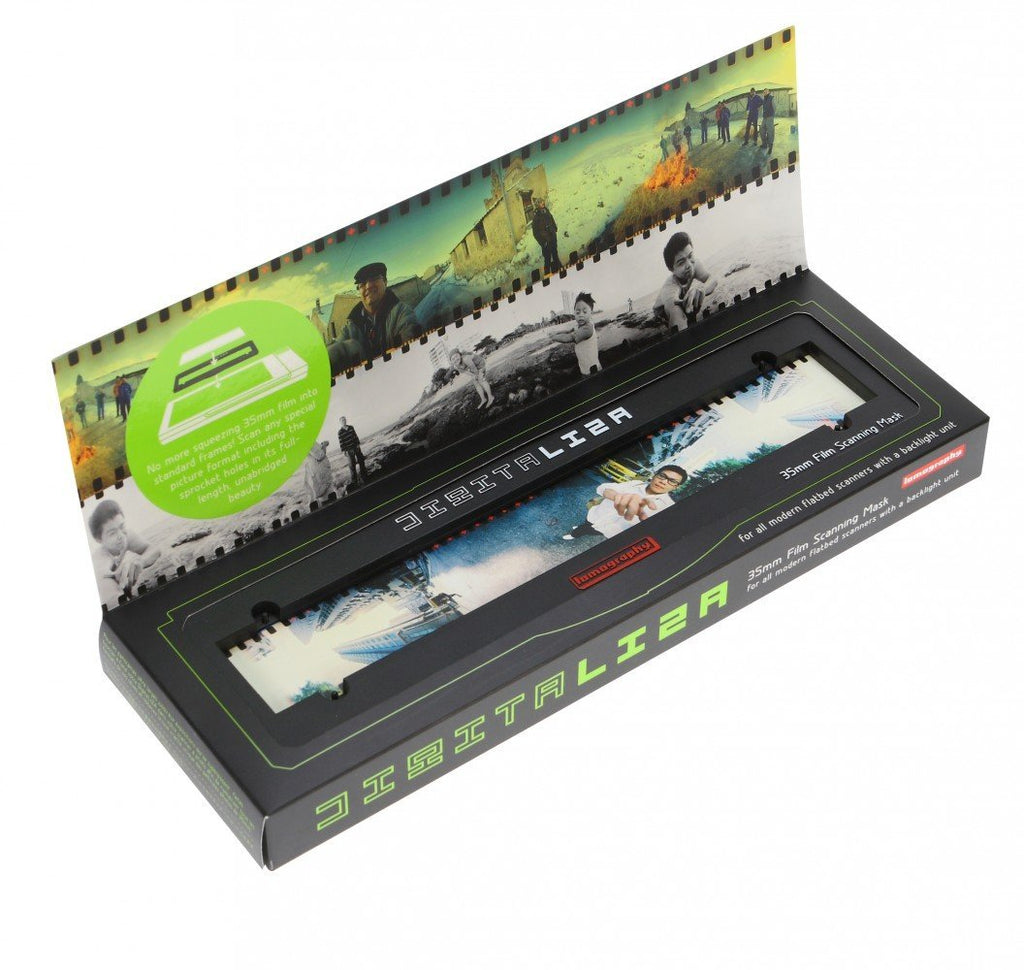
Great item, very well made, easy to follow instructions, love the fact it includes the sprockets, crop them in post edit if not wanted, I run 35mm film through a 120 camera, this negative holder, because it includes the sprockets, gives me some great pictures/negs.
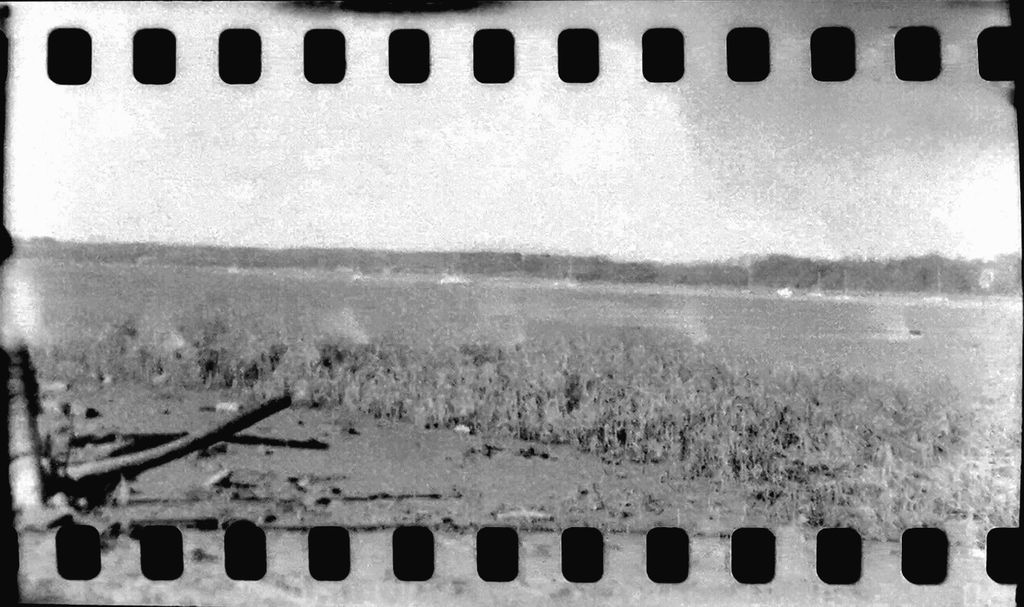
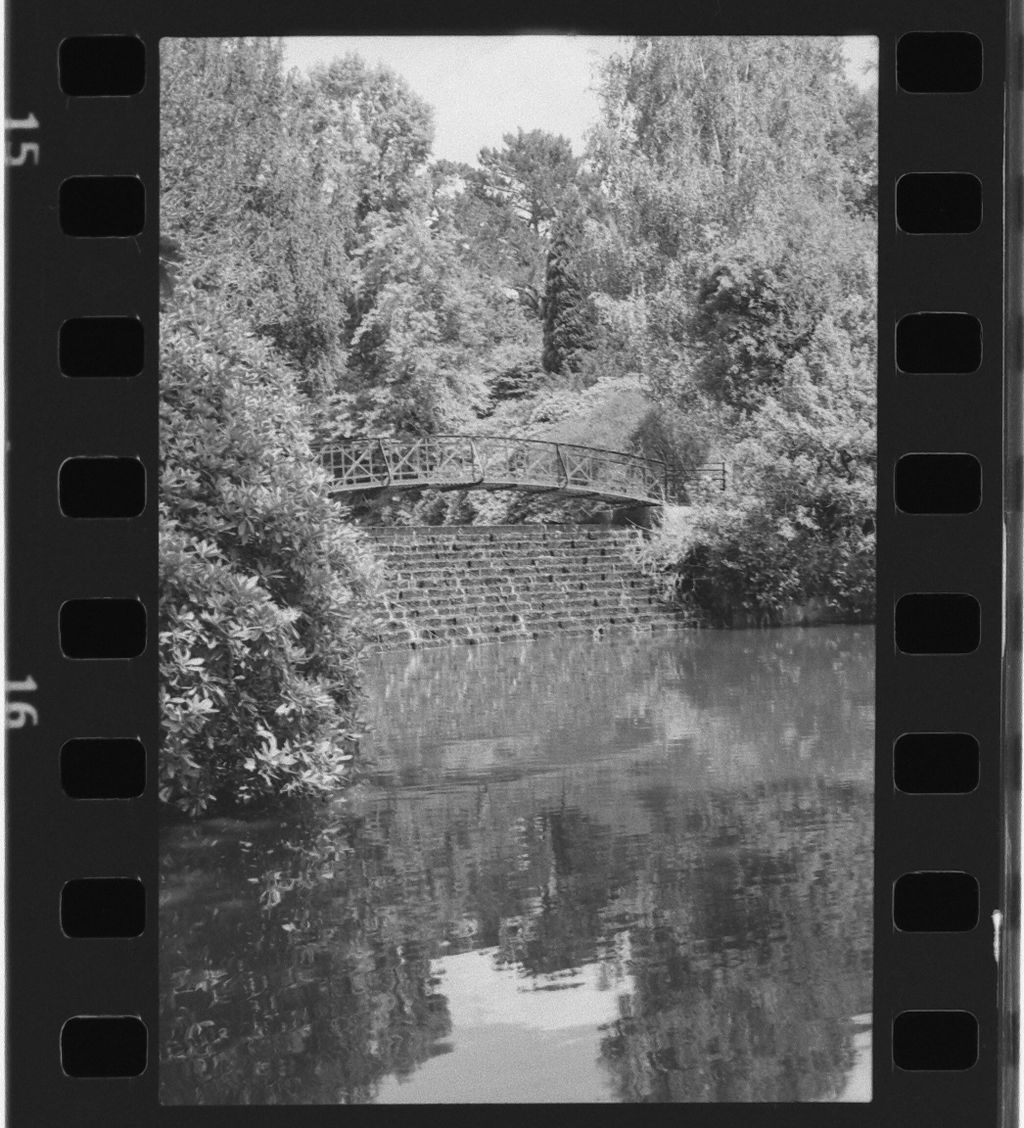
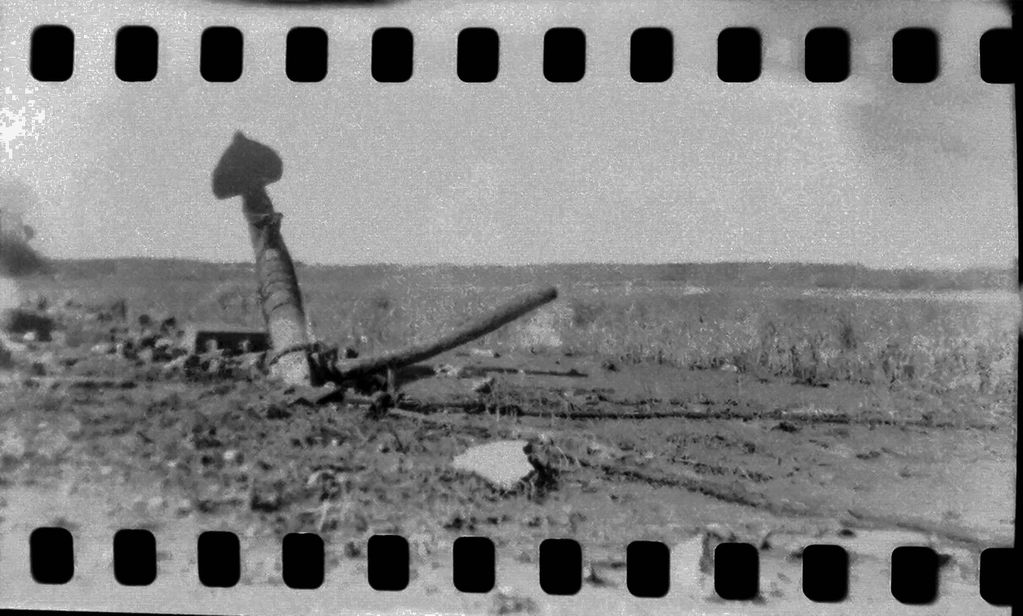
The price of scanning, developing, and postage for film labs was making me want to shoot film less (especially as film itself is only increasing in price). I realised that, aside from a scanning mask, I had everything required to conduct DSLR/Mirrorless scans myself at home. I therefore purchased this mask so I could digitalise/scan at home, in turn cutting costs in half at the film lab. The Lomography Digitaliza is fairly compact and also easy to use. My only complaints with it would be (A) that extra care/attention when aligning the metal base is needed. There are grooves on the masks underside but sometimes you think they're aligned and snug when they are not, resulting in the film not being flat. (B) scanning/digitalising single cut frames (😱) is annoying and might not lie flat on the first attempt. I cut my film rolls into individual negatives, whereas this scanning mask is targeted for film cut into 6's. However, those two gripes aside, the mask does a really good job and is a great tool to digitalise film for social media, print and/or further back up
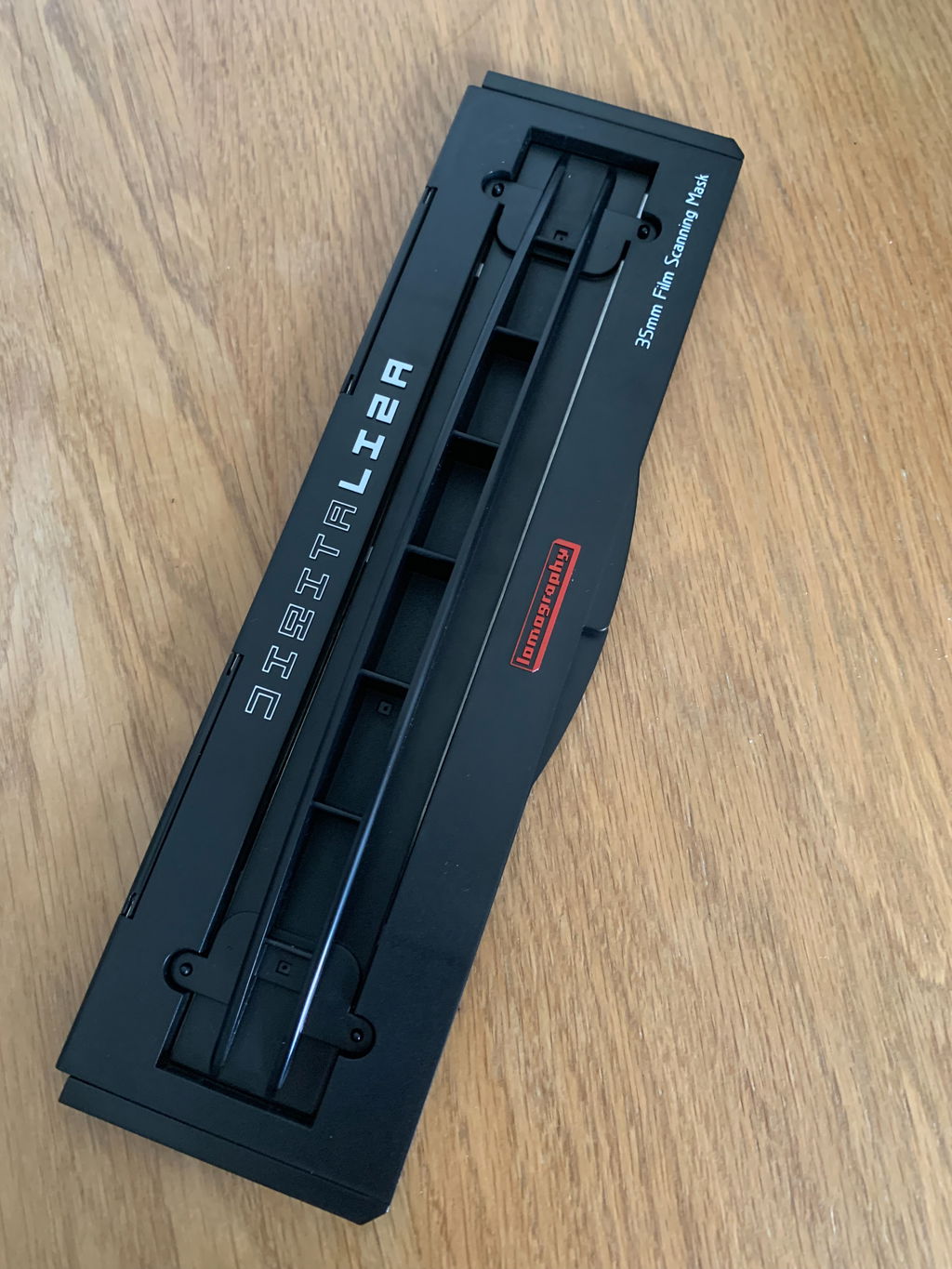
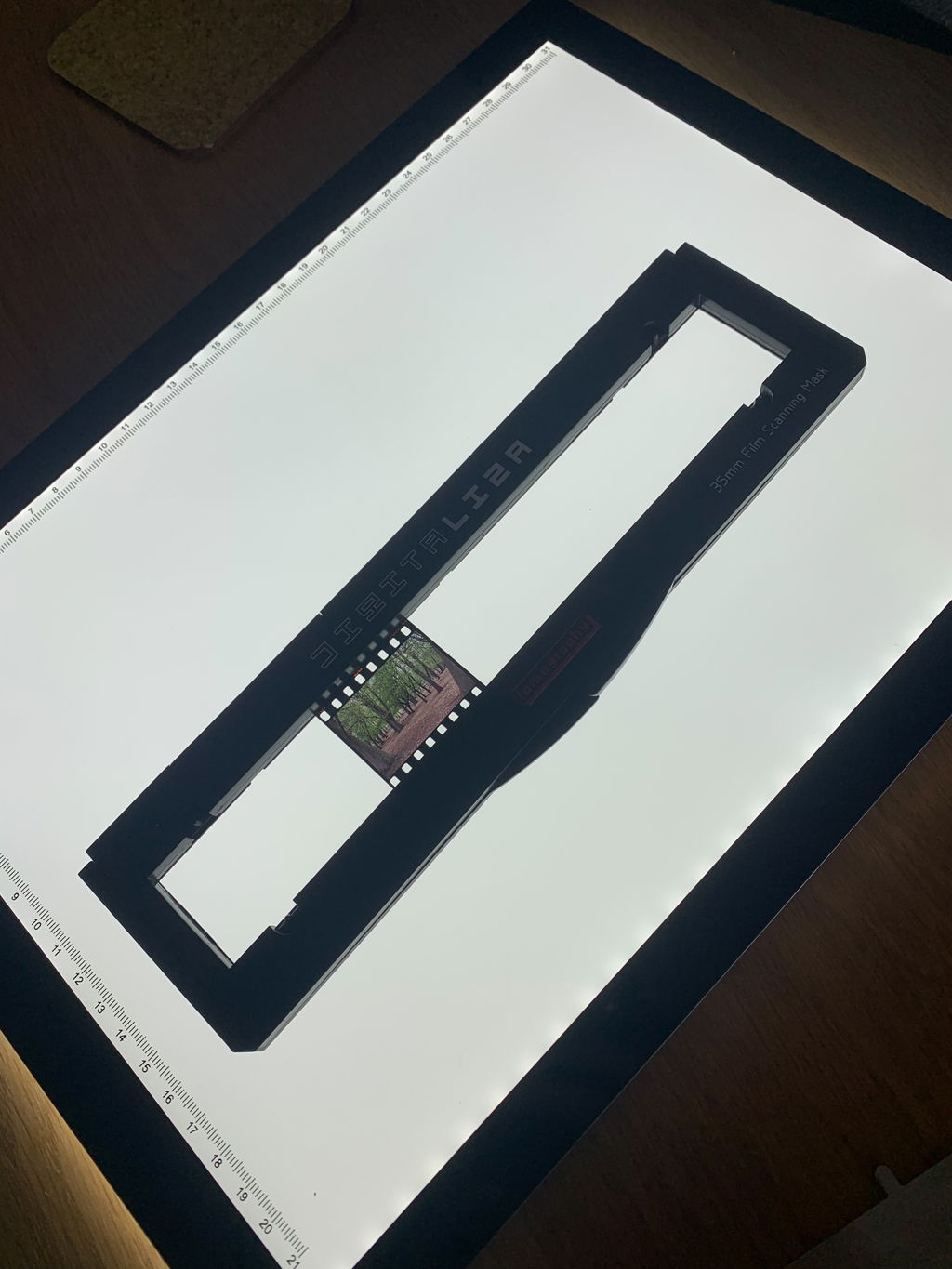
I've always used the Epson holders but they fail at holding the negatives flat which in turn makes the scans soft. The Digitaliza is great at fixing this problem as everything clips into place with the magnets.

It can be tricky getting the holder to hold the film as it grips only millimeters of the edge while the area to place the film is larger than the film. The sprocket holes create light leaks and on some negatives this is visible as yellow squares on the top and bottom of the scan. It does however hold the film flatter than the Epson holder that came with the scanner, and it does help prevent nutonian rings.
I dont know ive not used it yet. Will you leave me alone now? thanks
I bought this item as I'm digitising a couple of thousand colour negatives using a macro lens on a stand with a light box.
Good points - an imaginative and simple design, quality finish, compact.
Not so good points - a great piece of kit if you have flat negatives in strips of 6. The holder has a couple of protrusions near each end which a strip of 6 would rest against and then be lined up straight before closing the cover. Unfortunately most of mine are in strips of 4 so only one end rests against the protrusions. This means that the strip swivels and it is very fiddly and time consuming to get them lined up properly in the holder so they stay flat.
Also, about a third of the negatives have become quite curved in (what I thought were) archival plastic negative holders and the device does not cope with those at all. They simply fall out.
I have a set of Epson negative holders from a flatbed scanner that seem to do the trick and they hold more than one row. These even keep some of the curved ones flat, although I note that another reviewer has not found that. For the worst of the curved ones I use two small sheets of quality glass i.e. with no imperfections, and place the negatives between them which keeps them flat. The sheets of glass have no detrimental effect on the images but the Epson holders are easier to position on the stand.
I have only awarded 2 stars because for me the device doesn't do what I want it to do - it will appear on ebay soon! For anyone with flat negs in strips of 6 I'm sure it's a great piece of kit.
Can't help but feel i'm using this wrong, placing the mask on the flatbed scanner even when set to scan colour always comes out blue tinged and lacking clarity. Is there a specific knack to positioning on a flatbed scanner or could my scanner/printer combo just not be up to the task?
I use the Digitaliza by placing it on an LED lightbox and mounting a digital camera above it (use a small tripod or a mini rostrum). This works pretty well but you have to work on the camera settings.
It sounds like the settings for the flatbed are needing a review here. I assume it is the kind of scanner that has a toplight to allow film scanning. If you are getting pictures, the Digitiliza is in the right place.
Hi, I've had the same problem with blue cast when scanning using the lomo digitaliza. I am using an epson v600 flatbed scanner. My curtains are red/orange, so the light in my room is warm light, this affects the scanner software (silverfast) to cool the colour. The solution : cover the scanner so that no light enters inside the scanner. All my scans now are OK.
Positioning the Digitalizer. In the hood (v600) the light strip, I measure the distance and put washing tape each end of the scanner, so the Digitalizer lines up with the scanner optics below. Using a ruler I slide the digitiser in position 1 cm away from the edge on far end of the scanner. Works every time. If your negatives are curled, flatten them over night with a heavy book. Regards Mark
You should try selecting the specific area where your film is in the mask on the flatbed. If you select the entire mask and area it may try and interpret the black or the mask as a coloured component in the scan. If you select just the film area it may help
Can this be used with an Epson v600 flatbed scanner?
Yes absolutely!
- Paul