
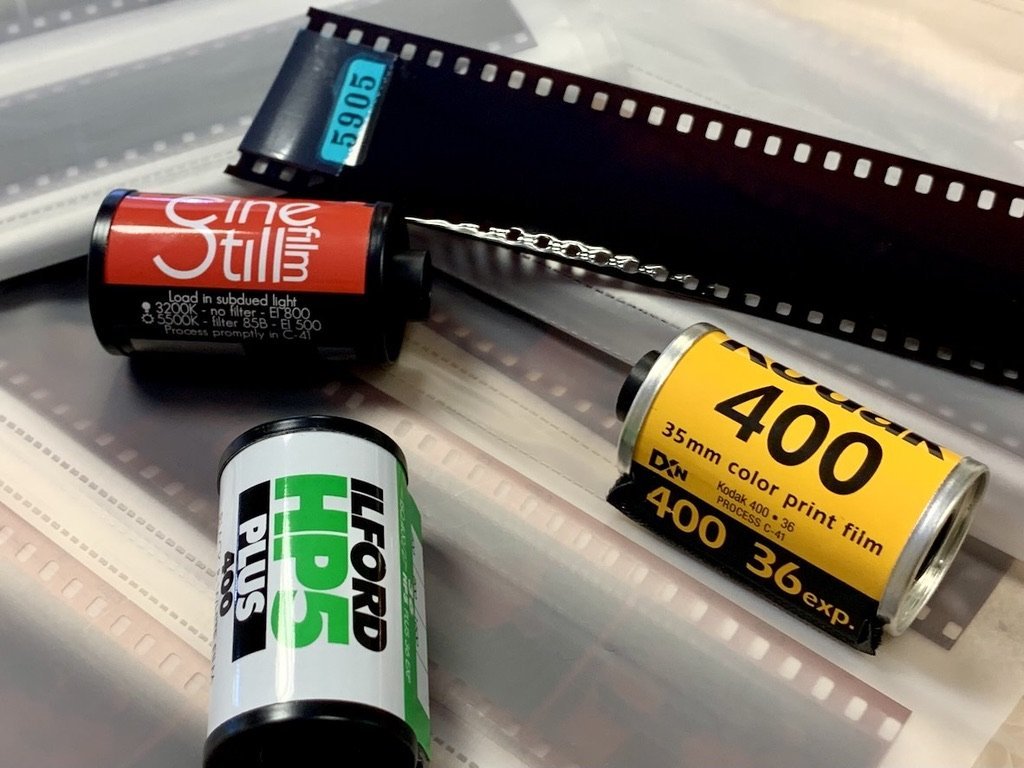


Description
Get the best out of your analogue photos with our 35mm film development service. Send us your exposed roll of film and we will turn it into digital images, prints* and negatives that you can store for years to come.
Our 35mm film development process uses high-end equipment which produces brilliant colours and stunning details, ensuring excellent image quality every time.
*Please note that you will not receive prints automatically with your order - instead you will have the opportunity to print your favourite images after seeing the scans. See the below for more information!
Features:
- We have a full suite of high-end developing equipment to ensure your 35mm film gets the best possible treatment at each stage of the developing process
- Expertly scanned negatives to preserve memories or use as a base for further editing
- Digital files provided online for 6 months, through your Customer Account area of the website (here) - Please ensure you have created an account with a password.
- Archival quality prints available - chosen after you've seen the scans to ensure that you're only paying for the prints you want
Benefits:
- Save precious memories and keep them alive in an affordable, uncomplicated way
- View your 35mm film photos on any device - computer, mobile phone or external hard drive
- Print your best photographs for display - or share with friends and family - to remember your favourite images, moments and life events
How does the process work?

What are the scanning options?
We offer four resolution options for 35mm scanning with our Noritsu scanners (Fuji Frontier scans are available on request):
| Scan type | Resolution | File Size | File Type |
| Low Res | 1512 x 1002 pixels | <1MB | JPEG |
| Standard | 3024 x 2005 pixels | 4-7 MB | JPEG |
| Premium | 6774 x 4492 pixels | 15-30 MB | JPEG |
| Premium TIFF | 6774 x 4492 pixels | 70+ MB | TIFF |
Low Res --> Best for social media / photo albums!
Low Res scans are perfect for printing in the regular 6x4" print size - they will also work well on social media or website where you need to keep loading speeds fast. EXAMPLE FILE
Standard --> Best for personal websites / zines / projects!
Standard scans will be absolutely fine for posting on social media, personal websites, emailing to friends/family, and for making prints up to size A4. EXAMPLE FILE
Premium --> Best for exhibits / large prints!
Premium scans are bigger and can also be used for posting on websites that can accept larger files (and won't simply compress that back down like Instagram or Facebook) - and they can make prints up to size A3. EXAMPLE FILE
Premium TIFF --> Best for home editors and professional display!
Premium TIFF scans are much bigger file sizes, so prepare for a longer download time and more computer memory needed! The bonus of this is that they contain much more information within the same number of pixels as the Premium JPEG scans, so you can edit them yourself (in Photoshop or similar) and get much better results with strong edits. EXAMPLE FILE
TIFF is a 'lossless' format, so hasn't had any compression applied by software before arriving in your inbox. It also means that even though the pixel resolution is the same as the Premium scan, you should be able to print slightly larger without loss of meaningful detail - up to size A2.
Note: In the unlikely event that we are unable to use our Nortisu scanner to scan your film, we will need to use either our Fuji SP3000 or our DSLR scanning setup. This means the resolution of the scans may change.
What are the editing packages?
After we have scanned your 35mm negatives in our scanners there are a couple of steps to make your photos perfect. Our goal is always to present your scans just as you saw the shot through the viewfinder - but if you are comfortable with post-processing software then you may wish to go for the 'Correct & Rotate' package to do the work yourself.
You can compare the differences in the table below.
If you are looking to compare with other labs then please note that unless they have a post-scanning editing service then they will usually perform the actions 'Within the Scanner' but no further.
| Within the Scanner | Correct and Rotate | Professional Editing Package | |
| Colour Correction | Yes (Simple) | Yes (Simple) | Yes |
| Contrast Correction | Yes (Simple) | Yes | Yes (Advanced) |
| Exposure Correction | Yes (Simple) | Yes | Yes (Advanced) |
| Rotation | - | Yes | Yes |
| Crop to Frame | - | Yes | Yes |
| Dust Removal | - | - | Yes |
| Spot Removal | - | - | Yes |
| Each Frame Optimised | - | - | Yes |
| Perfect for Printing | - | - | Yes |
How do I choose prints?
When the team have perfected your scans then you'll get an email inviting you to view them in the 'My Photos' area of your customer account. You need to have made an account with a password - even if you haven't, the images will be safely stored there ready for you once you can log in.
You will be able to view and download all your images. You will also be able to select your favourites to print!
Simply click on all the images that you'd like to print, select size - quantity - finish, and add to your cart. See below for a simple illustration of the process.
The images will be sent back with your 35mm negatives. For more information head here

How do I know what type of 35mm film I have?
It will usually say on the 35mm film canister (or box if you still have it!) - The two main types are C41 (colour) and Black & White.
Note: Ilford XP2 is a black & white film that requires a C41 process.
You could also look up the film in our store by searching this page: All Film and checking its specifications.
If you have any concerns of questions about your 35mm film developing then just drop us a line at - help@analoguewonderland.co.uk - and we'll quickly help you to the right choice.
Develop your 35mm film with Analogue Wonderland
When you develop 35mm film with Analogue Wonderland you get a full set of options to choose your perfectly tailored 35mm developing service.
We process 35mm film, scan the negatives to create gorgeous digital images of your photography, print the ones that you'd like in a choice of sizes and finishes, and send it all back to you. And don't forget that every order comes with free postage into the lab! This means that you don't need to look for somewhere that can develop 35mm film near you - we operate across the entire UK 😊
Please note that we can also develop 120, 110 and more on the way. Head to our WonderLab page for the full choice of formats.
Lab Development Turnaround Times
Payment & Security
Your payment information is processed securely. We do not store credit card details nor have access to your credit card information.
How It Works
We've made our film developing service as easy as a simple, six-step process for you to follow.
Order Development & Scans
Your roll is finished, it's sitting in your bag and you know you want to see what fantastic memories you captured.
Now is the right time to get your films developed by an award-winning, expert photo lab.
Select the right options for you including Film Type, Whether you want particular scan quality (or no scans at all), and finally the desired Editing Package too.
What You Receive

Digital Scans
✓ JPEG or TIFF Files
✓ Download Links
✓ Mobile-Ready

Negatives
✓ Returned (if requested, surcharge applies)
✓ Sleeved
✓ Protected

Prints
✓ Optional (select once scans received)
✓ Premium Paper
✓ Multiple Sizes
Choose Your Scan Quality
We know that it's hard to know the quality of what you'll receive, so we've given you 4 options to choose from when you select scans.

Low-Res JPEG
Low Res scans are perfect for printing in the regular 6x4" print size - they will also work well on social media or website where you need to keep loading speeds fast.
Download Low-Res JPEG Example File

Standard JPEG
Standard scans will be absolutely fine for posting on social media, personal websites, emailing to friends/family, and for making prints up to size A4.
Download Standard JPEG Example File

Premium JPEG
Premium scans are bigger and can also be used for posting on websites that can accept larger files (and won't simply compress that back down like Instagram or Facebook) - and they can make prints up to size A3.
Download Premium JPEG Example File

Premium TIFF
Premium TIFF scans are much bigger file sizes - slower to download and more space needed, but the bonus of this is that they contain much more information within the same number of pixels as the Premium JPEG scans, so you can edit them yourself (in Photoshop or similar) and get much better results.
Download Premium TIFF Example File
Low-Res JPEG | Standard JPEG | Premium JPEG | Premium TIFF | |
|---|---|---|---|---|
Resolution* | 1512 x 1002 pixels | 3024 x 2005 pixels | 6774 x 4492 pixels | 6774 x 4492 pixels |
File Size | <1 MB | 4-7 MB | 15-30 MB | 70+ MB |
File Type | JPEG | JPEG | JPEG | TIFF |
✓ | ✓ | ✓ | ✓ | |
✕ | ✓ | ✓ | ✓ | |
✕ | ✕ | ✓ | ✓ | |
Social Media | ✓ | ✓ | ✕ | ✕ |
Websites | ✓ | ✓ | ✕ | ✕ |
Friends & Family Sharing | ✕ | ✓ | ✕ | ✕ |
Home Editing | ✕ | ✕ | ✓ | ✓ |
Exhibiting | ✕ | ✕ | ✓ | ✓ |
* In the unlikely event that we are unable to use our Nortisu scanner to scan your film, we will need to use either our Fuji SP3000 or our DSLR scanning setup. This means the resolution of the scans may change marginally.
Please note, 127 Film Development is always done via DSLR Scanning.
ADD PRINTS
Scans are one things, but enhance your creativity, your space and your gifting with our variety of prints.
When the team have perfected your scans then you'll get an email inviting you to view them in the 'My Photos' area of your customer account. You will be able to view and download all your images. You will also be able to select your favourites to print!
Simply click on all the images that you'd like to print, select size - quantity - finish, and add to your cart. See below for a simple illustration of the process.
The images will be sent back with your 35mm negatives. For more information head here.
More InfoStandard Photo Prints
Premium Poster Prints


Lab Services Analogue Wonderland Provides
We pride ourselves on our award-winning service and our ability to develop and scan a variety of film formats. See what we do below.
Explore More


What are the Editing Packages?
After we have scanned your 35mm negatives in our scanners there are a couple of steps to make your photos perfect. Our goal is always to present your scans just as you saw the shot through the viewfinder - but if you are comfortable with post-processing software then you may wish to go for the 'Correct & Rotate' package to do the work yourself.
You can compare the differences in the table below.
If you are looking to compare with other labs then please note that unless they have a post-scanning editing service then they will usually perform the actions 'Within the Scanner' but no further.
Within the Scanner | Correct and Rotate | Professional Editing Package | |
|---|---|---|---|
Colour Correction | Yes (Simple) | Yes (Simple) | Yes |
Contrast Correction | Yes (Simple) | Yes | Yes (Advanced) |
Exposure Correction | Yes (Simple) | Yes | Yes (Advanced) |
Rotation | - | Yes | Yes |
Crop to Frame | - | Yes | Yes |
Dust Removal | - | - | Yes |
Spot Removal | - | - | Yes |
Each Frame Optimised | - | - | Yes |
Perfect for Printing | - | - | Yes |
It took quite a while for the scans to come through but customer service was very responsive and the scans looked wonderful.
FYI - it’s counted in business days not standard days - note to factor that in.
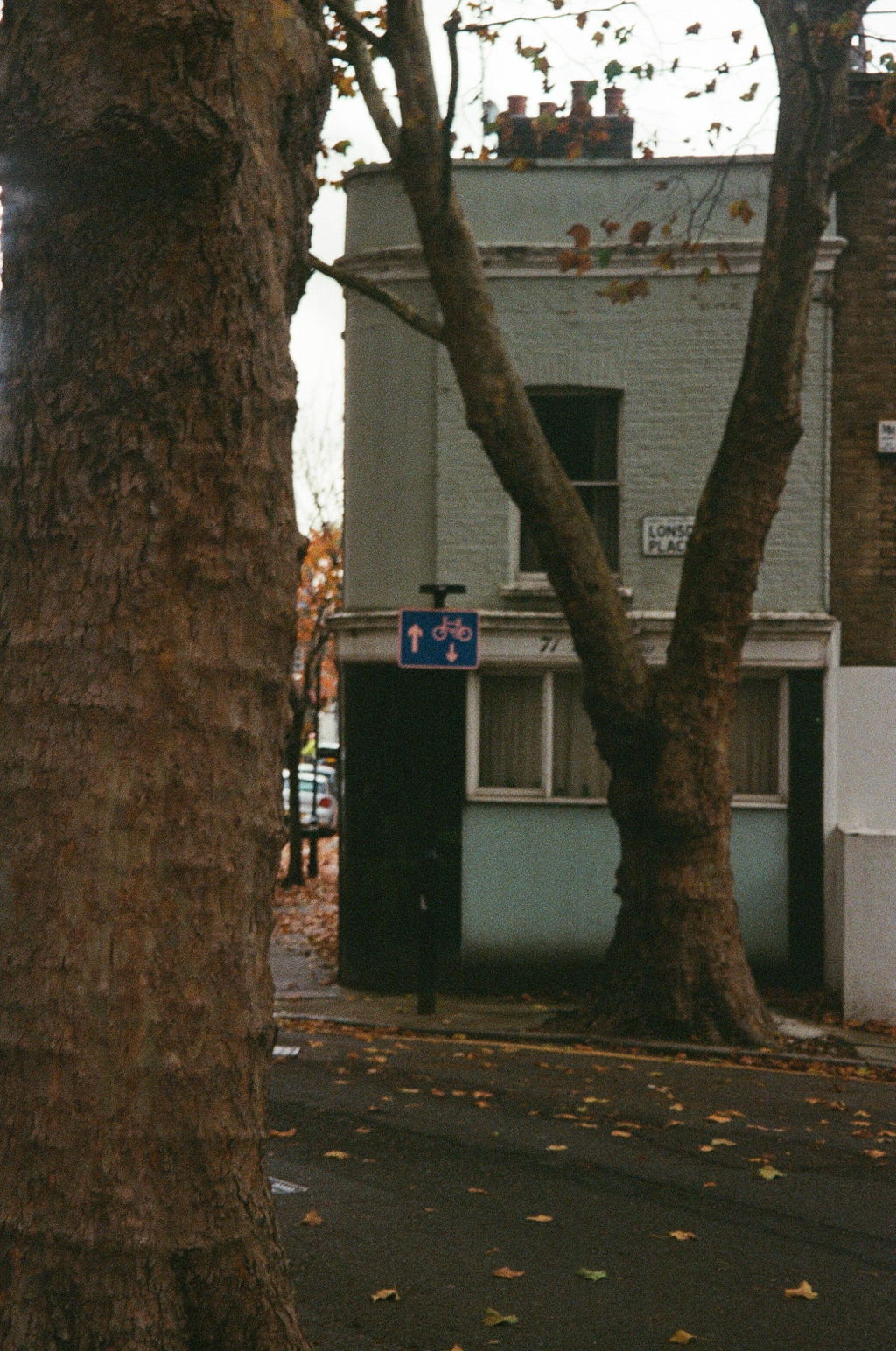
Speedy development, and shipping options
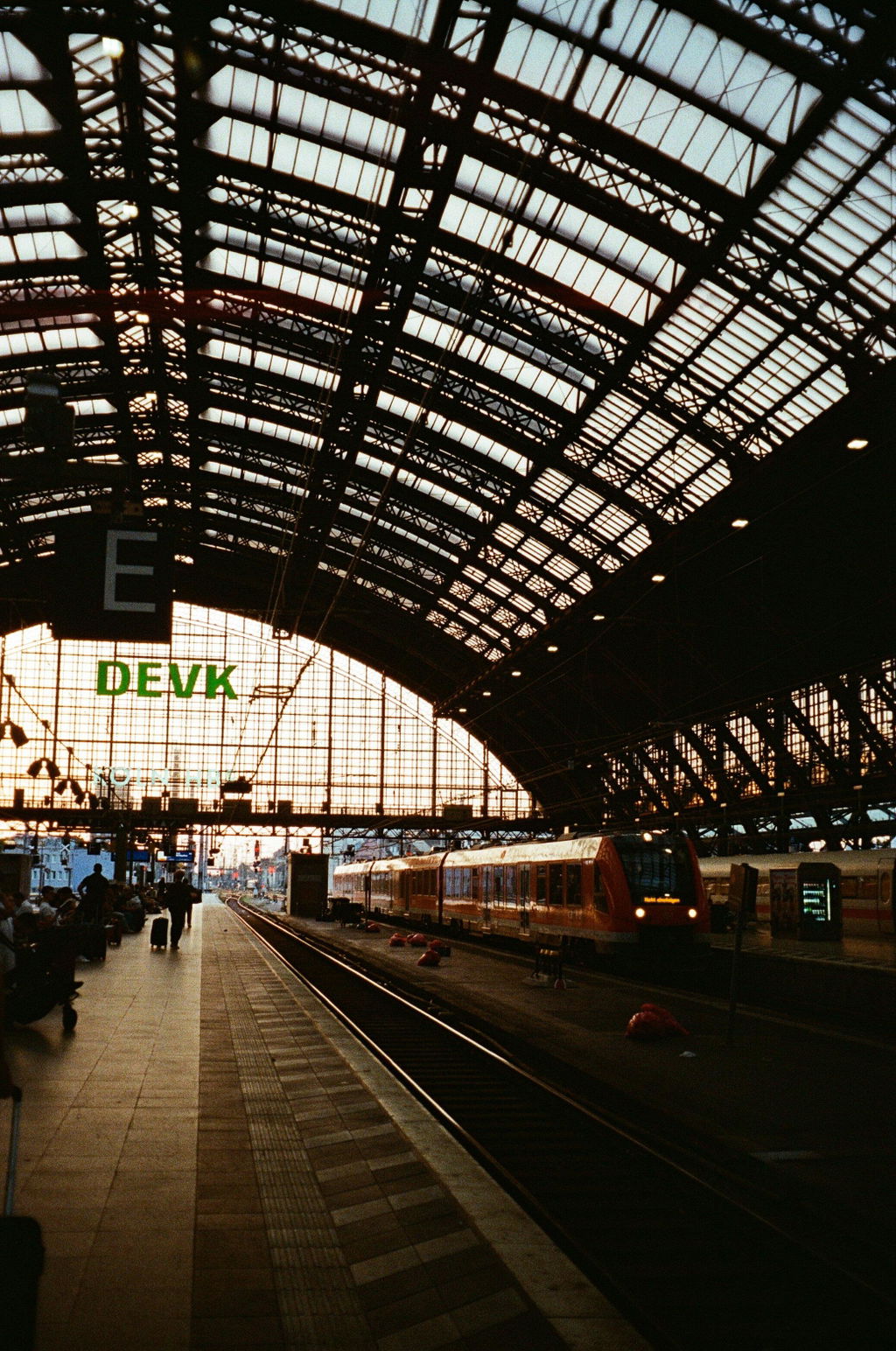
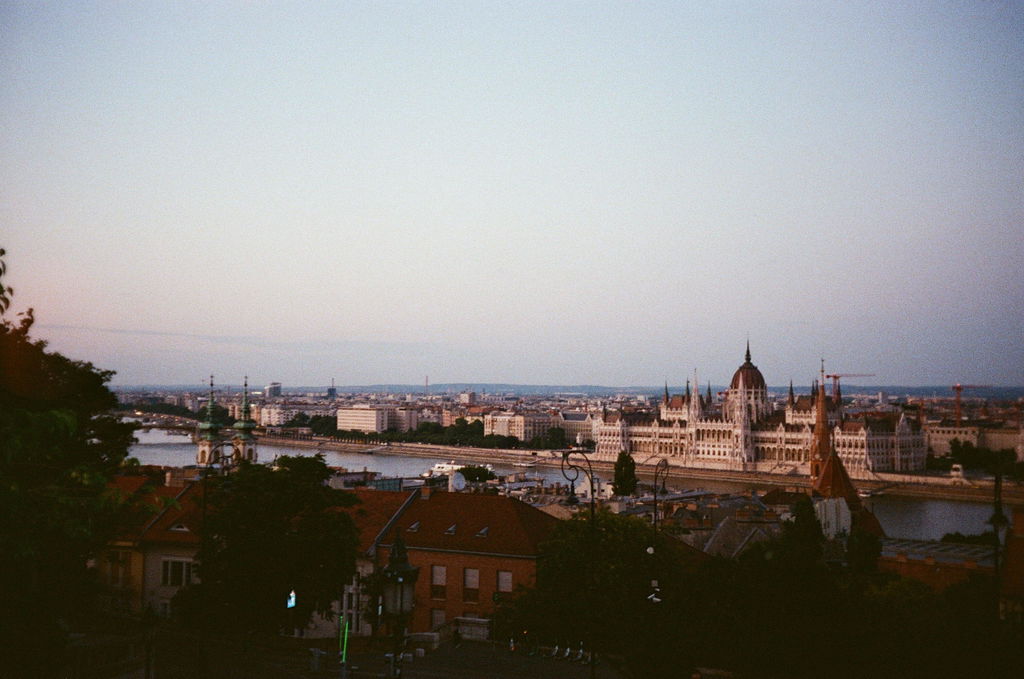
I sent a "mystery" film off to AW to be developed that had been in my camera for 16 years, I had no idea what was on it, until I got the scans back, turned out it was photos taken just before the start of a canine weight pulling competition in 2011 in Sheffield, so that was a nice little gem revealed thanks to Analogue wonderland.
Waiting times can be a bit long, though I would imagine demand is pretty high, but totally worth it to find out what was on that piece of Kodak Gold, the negatives are now back with me safe & sound!
Oh & by the way...
The film was 4 years expired when I used it in 2011! :D
Thanks again!
John
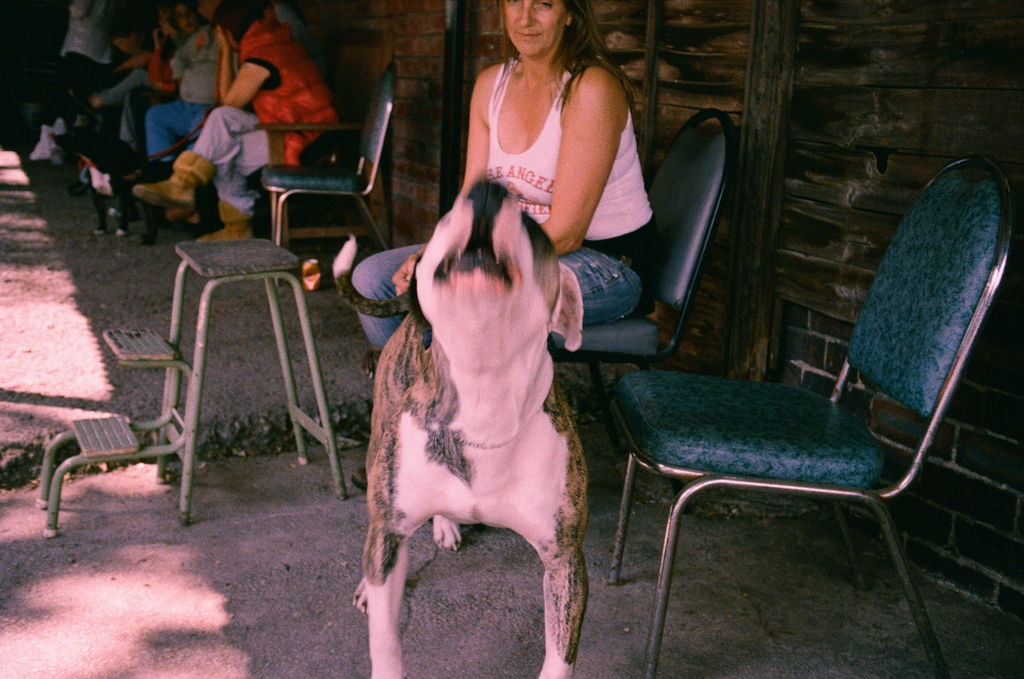
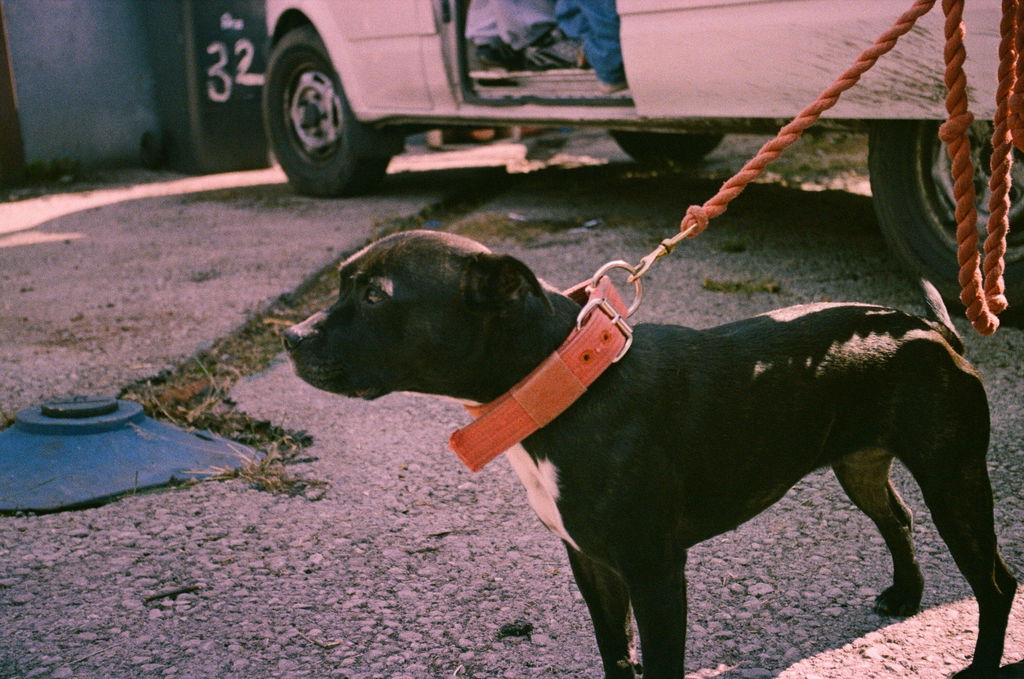
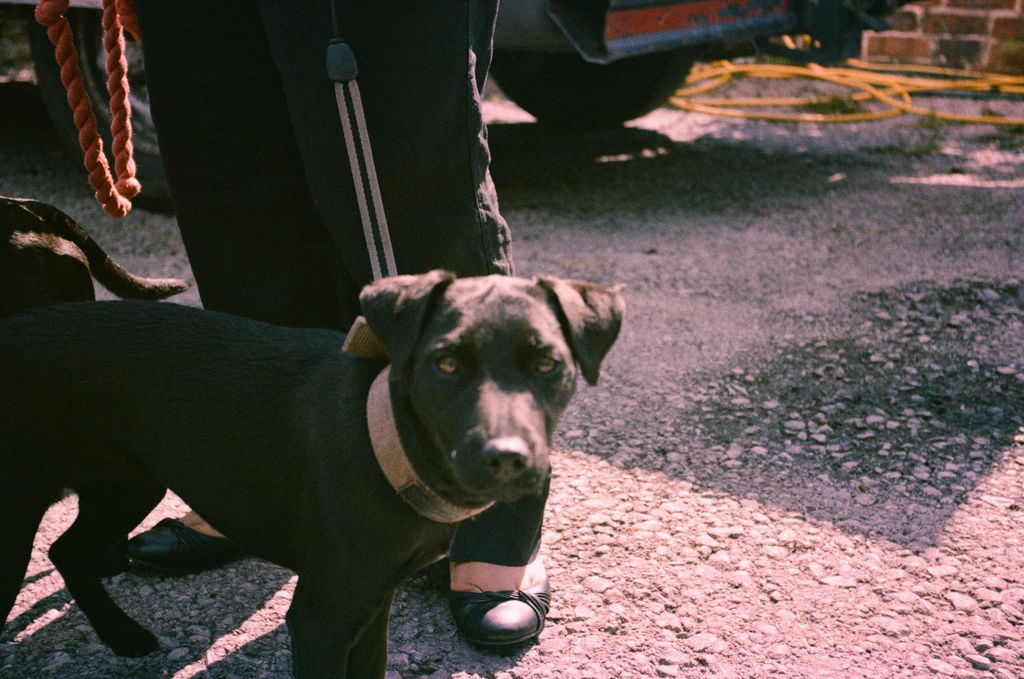
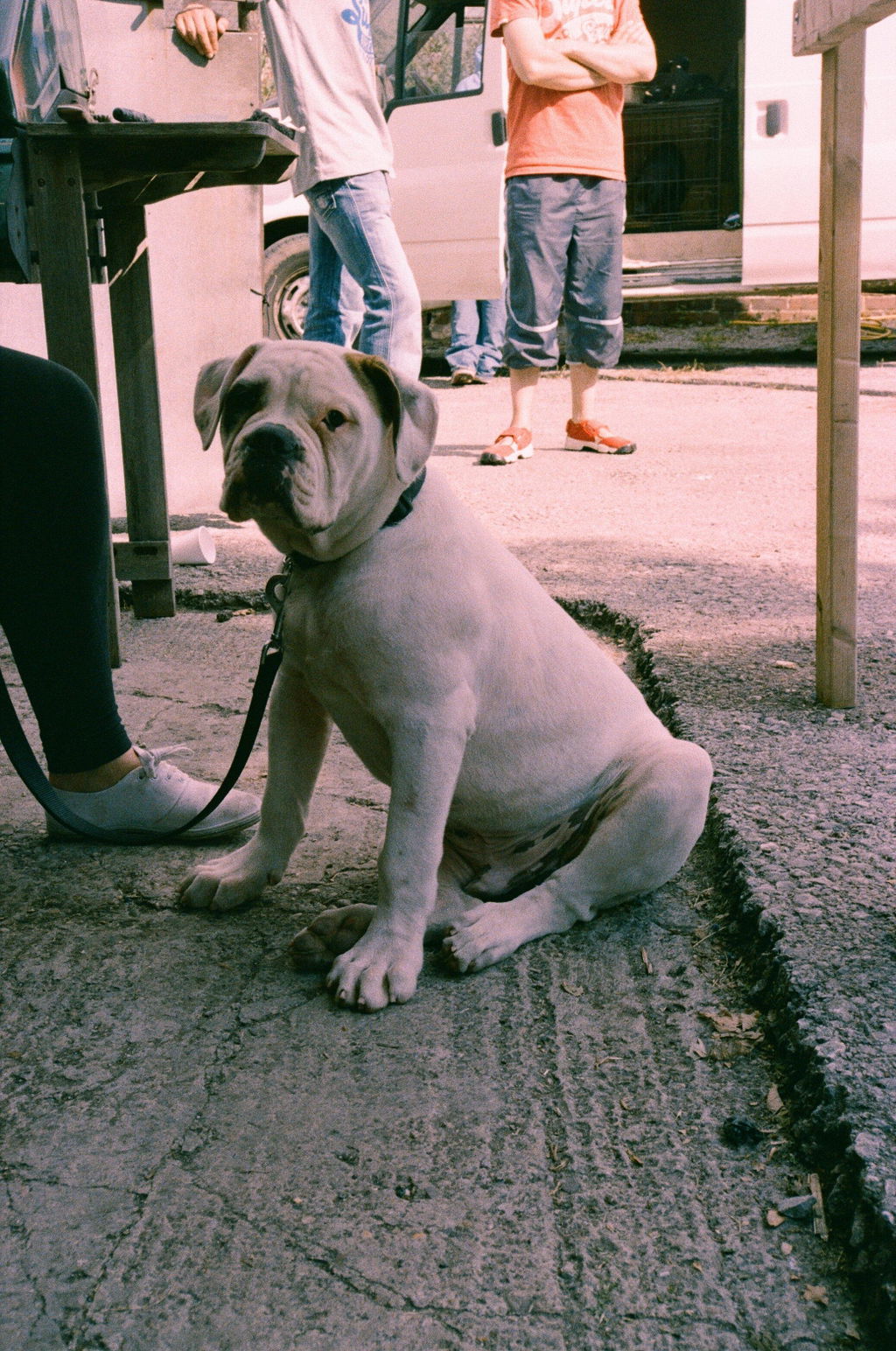
About 3 years ago I tried to get a roll of very rare Efke infra red film developed through a rival company, they returned the roll saying they don't process this type of film. Crestfallen I stuck the film in the fridge thinking I would have to pay a fortune to get it developed, eventually I snuck it into a mixed bag of films for developing at Analogue Wonderland and I was absolutely thrilled with the results, I had put my heart into shooting this film and the results were beyond my expectations bravo AV
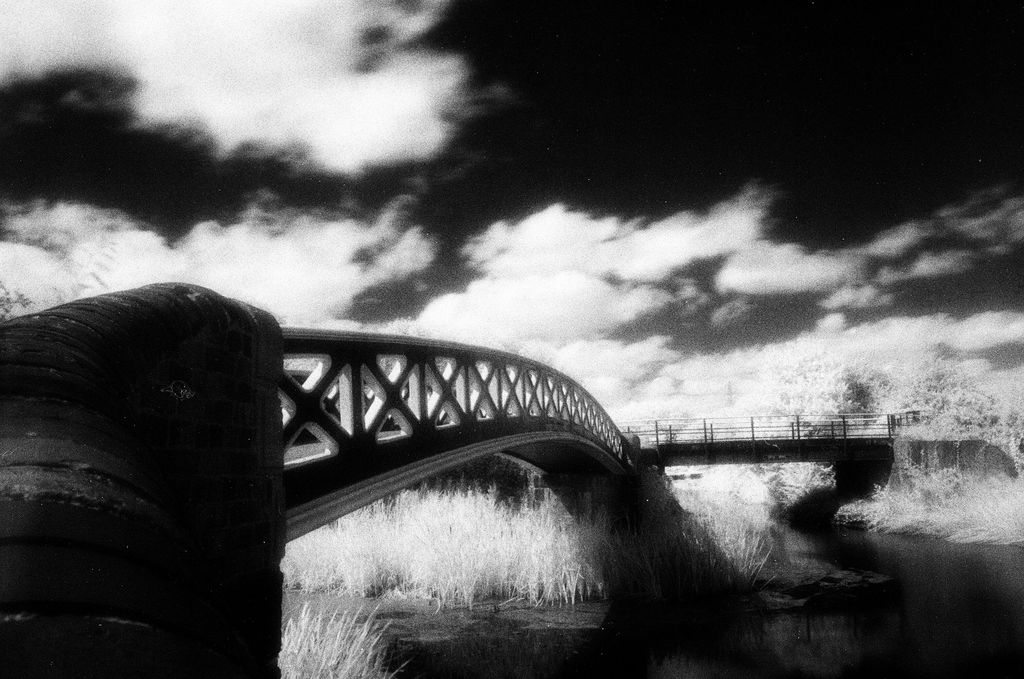
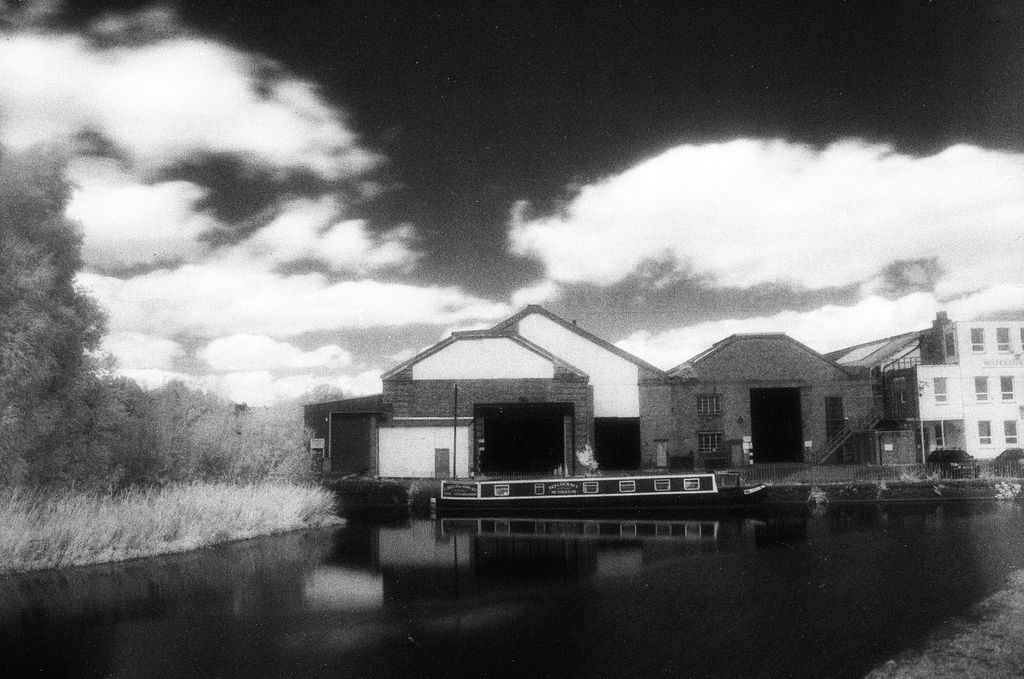
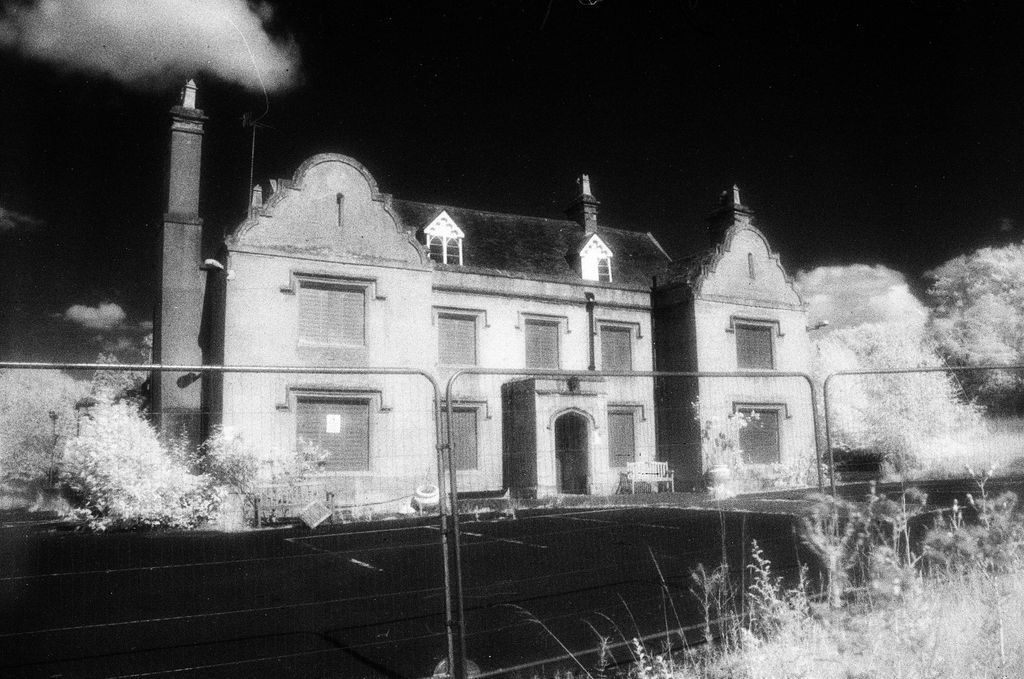
Great service with loads of choice for budgets on development. Quick turn around and scan uploads
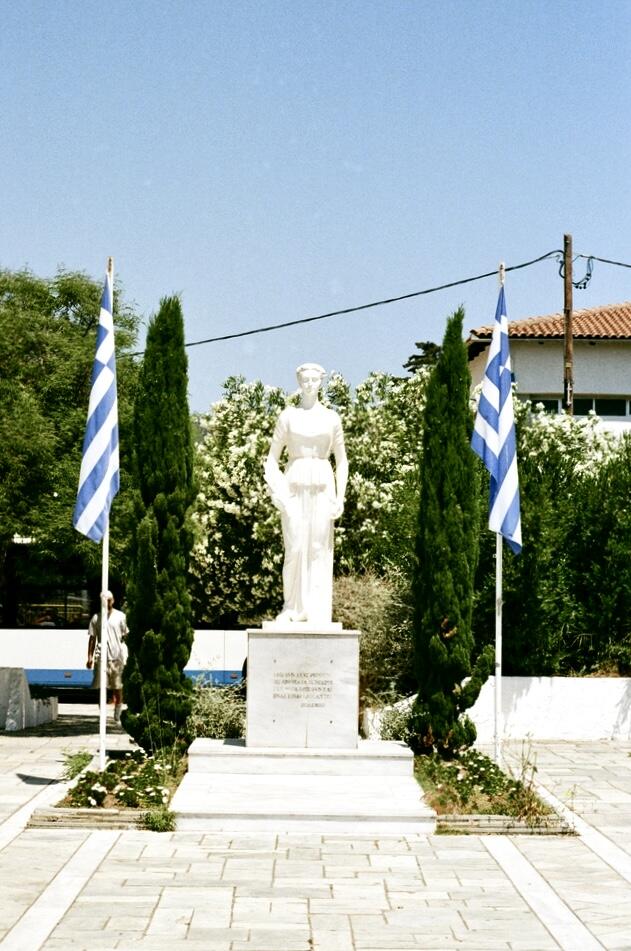
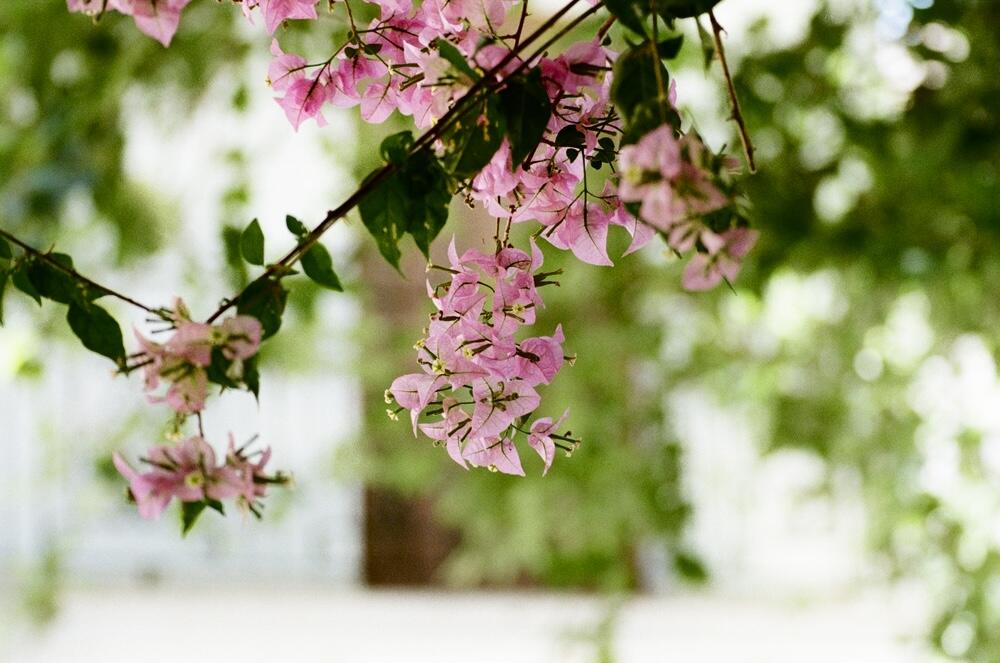
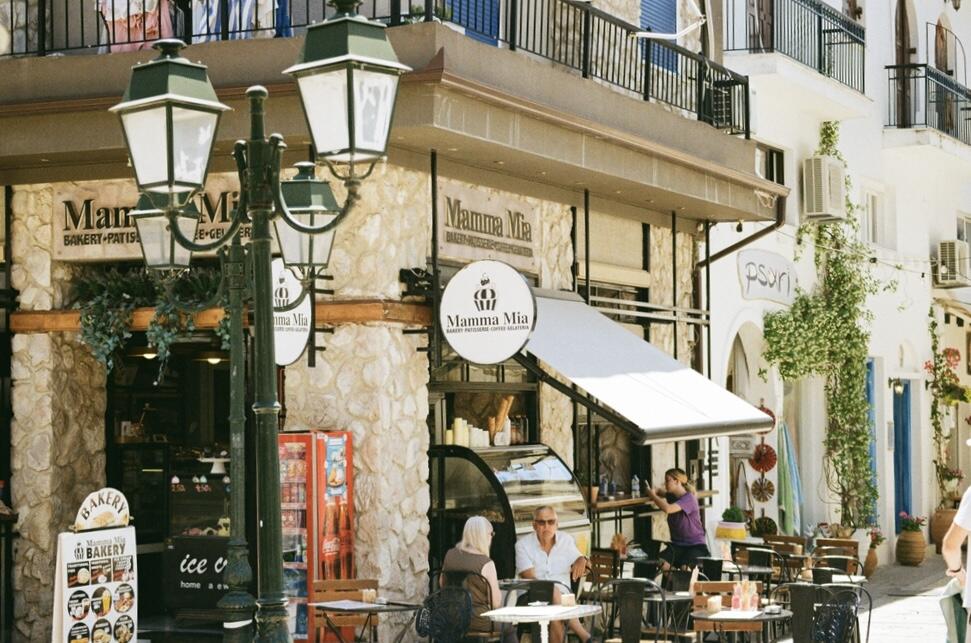
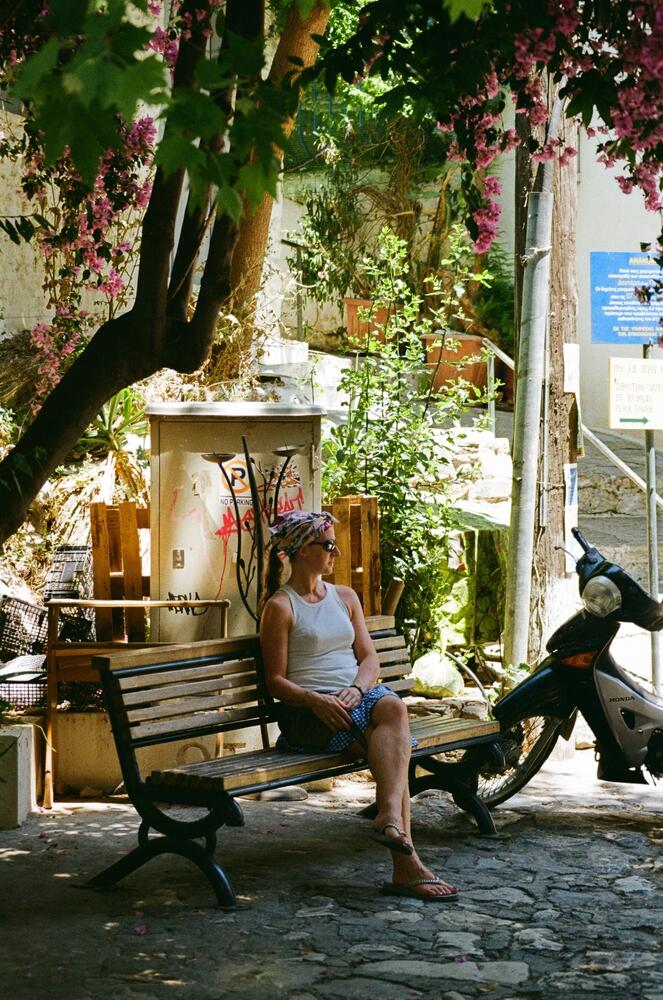
Developed recently 6 different film rolls. Quality excellent as usual. But timing is horrible. It took 12 working days.
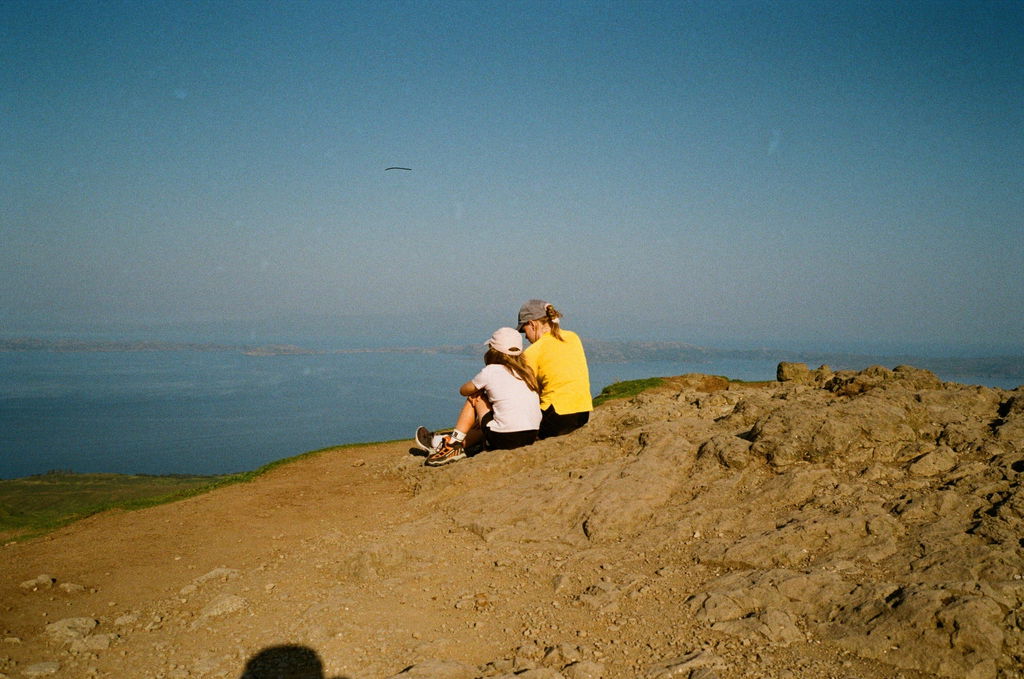
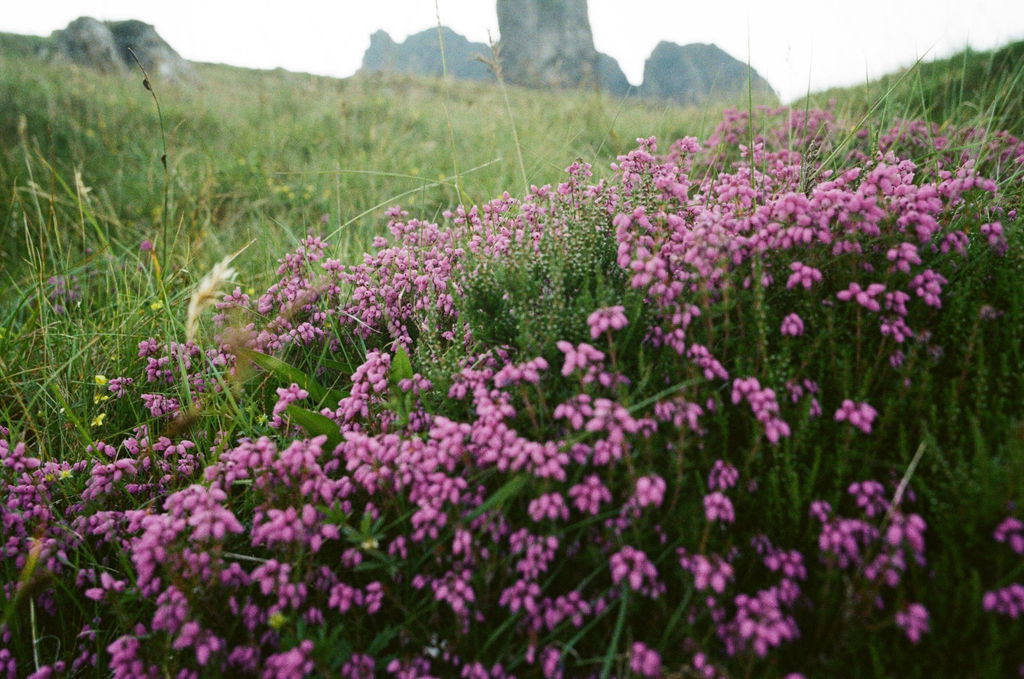
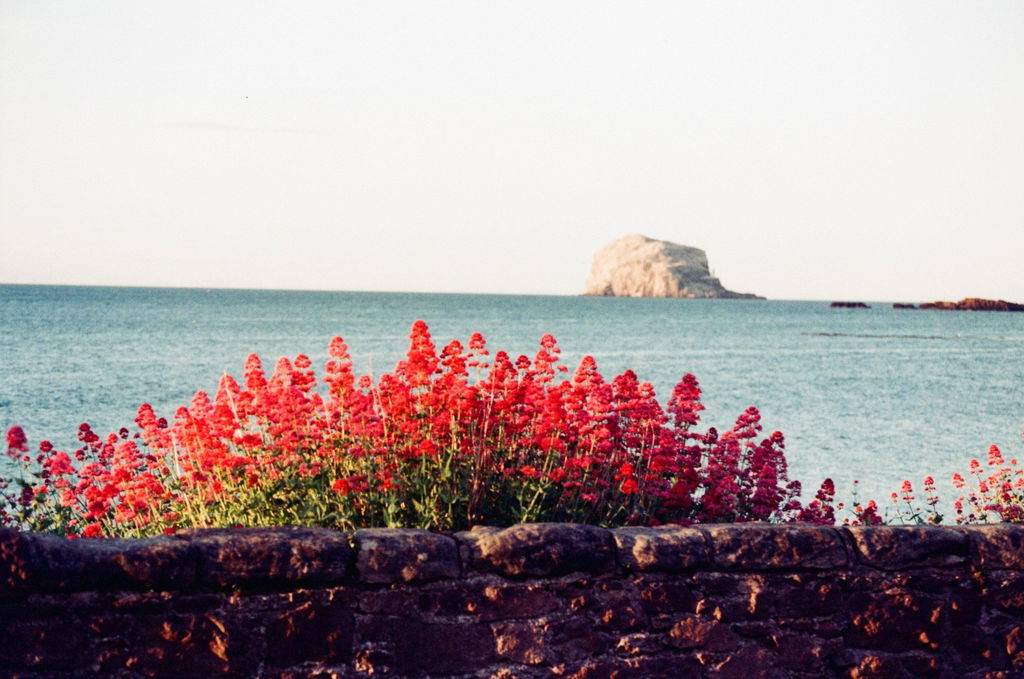
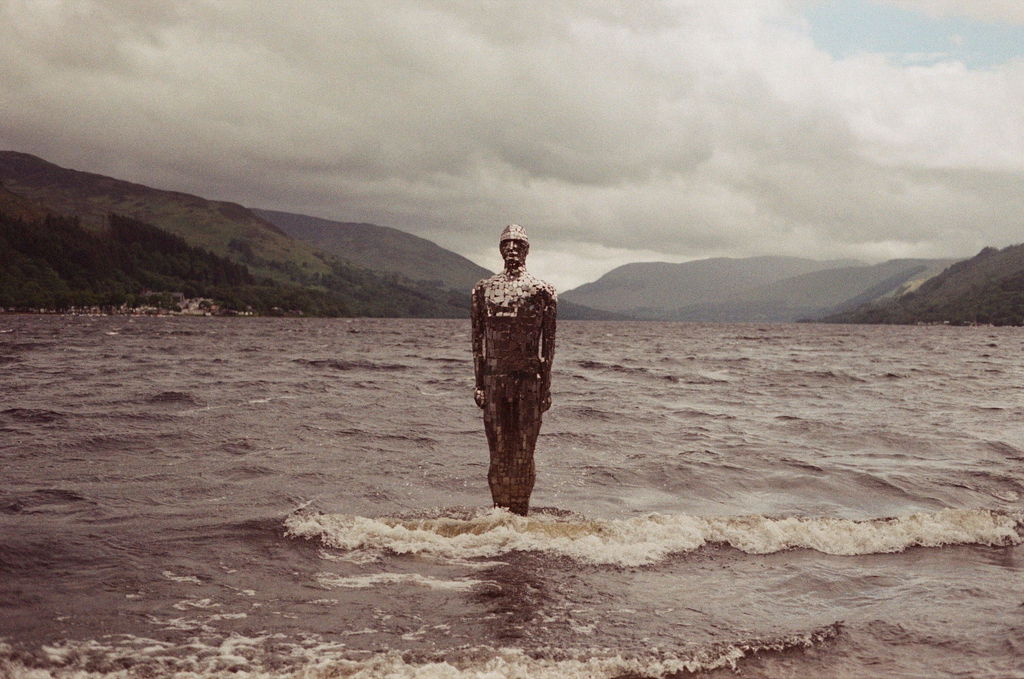
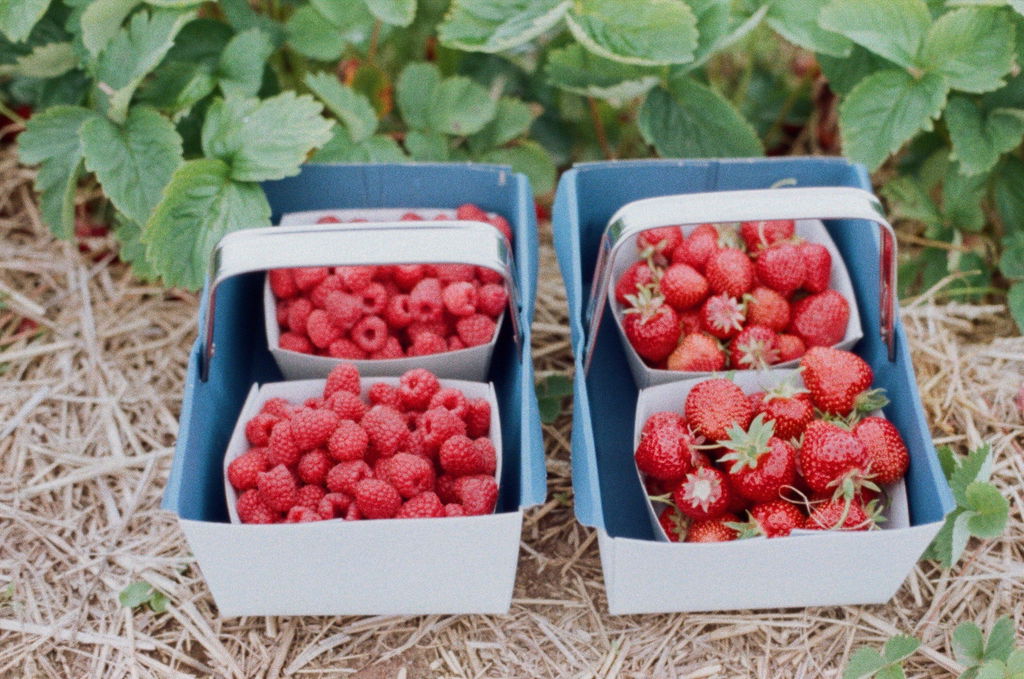
I've used Analogue Wonderland for years. Their quality is always amazing!
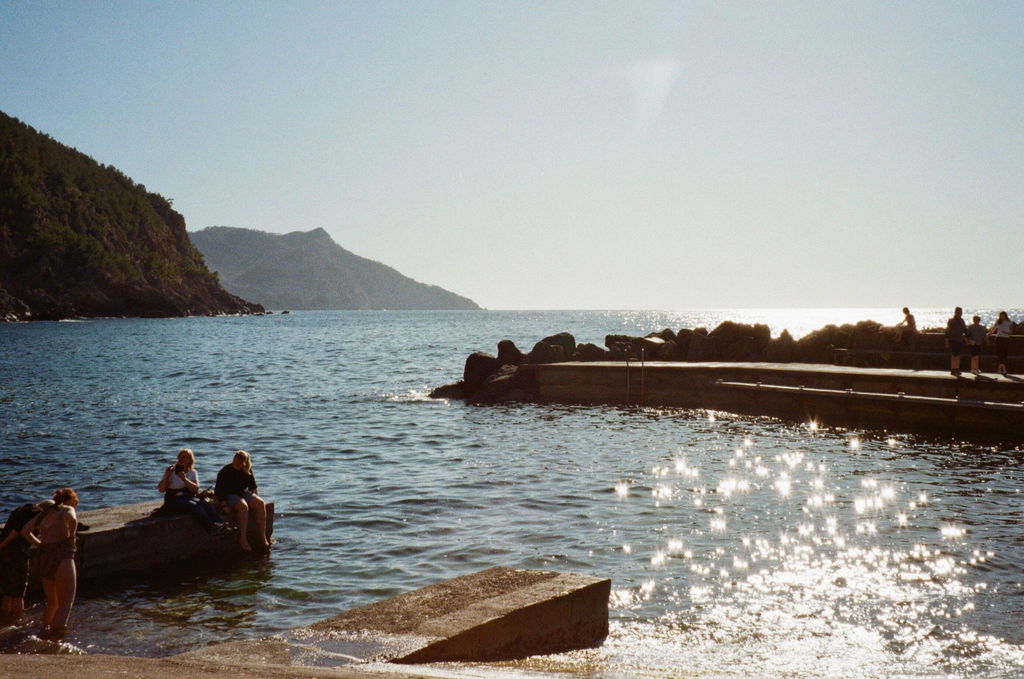
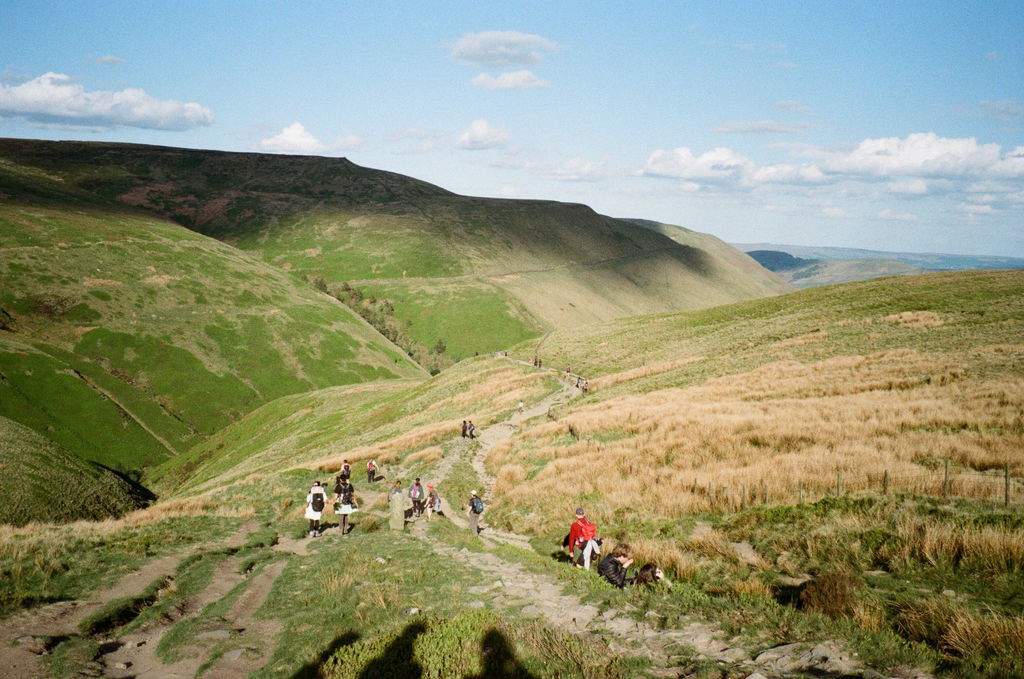
Last time I developed 4 films:
Kodak Gold - new
Fuji Superia X-TRA 400 - expired 20 years ago
CineStill 800T - new
Ilford HP5 (B&W) - new
Result as usual super (photo examples attached).
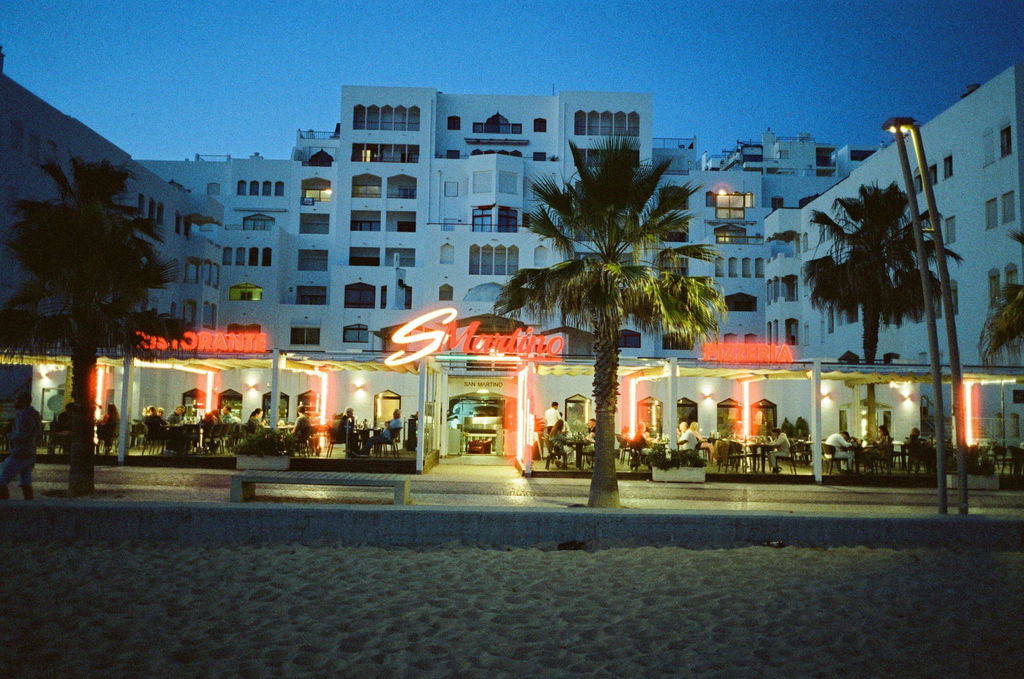
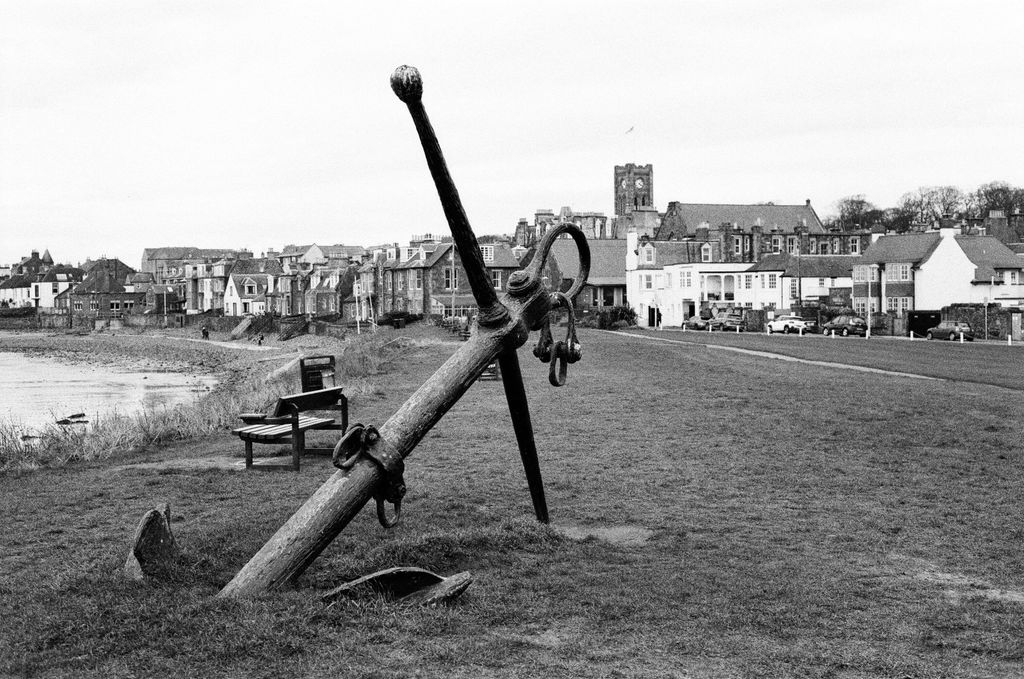
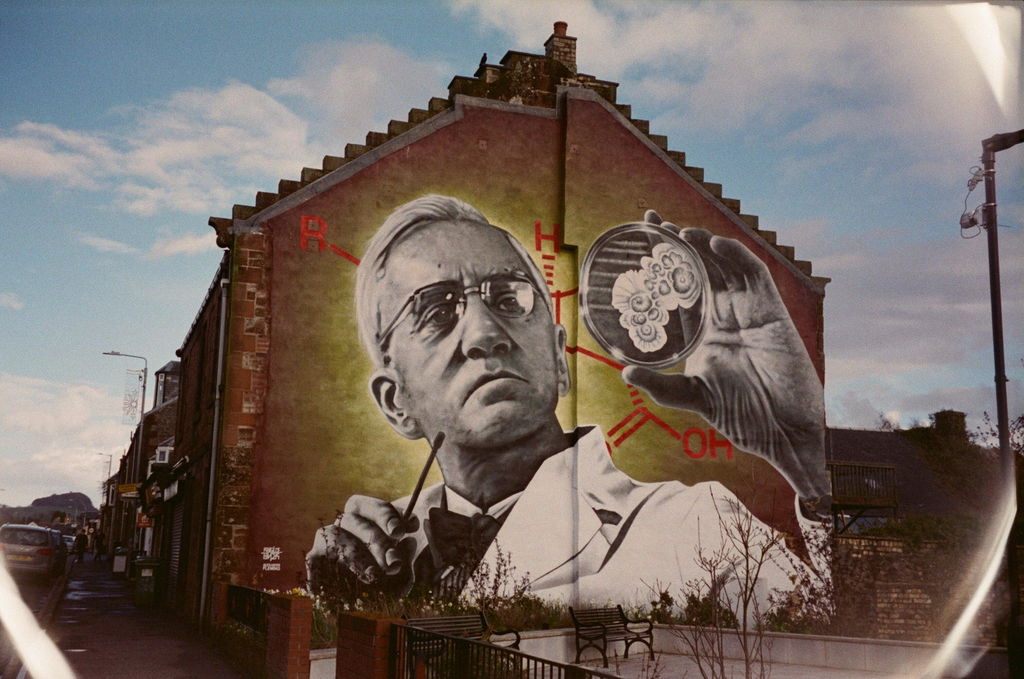
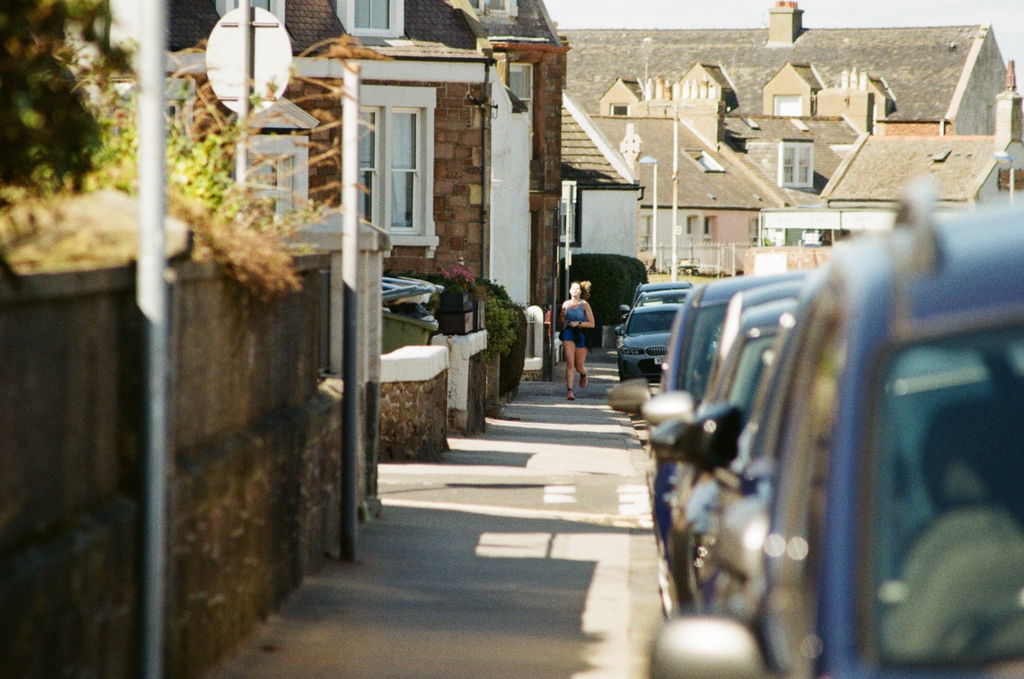
They do colour and Black and white at the same time.
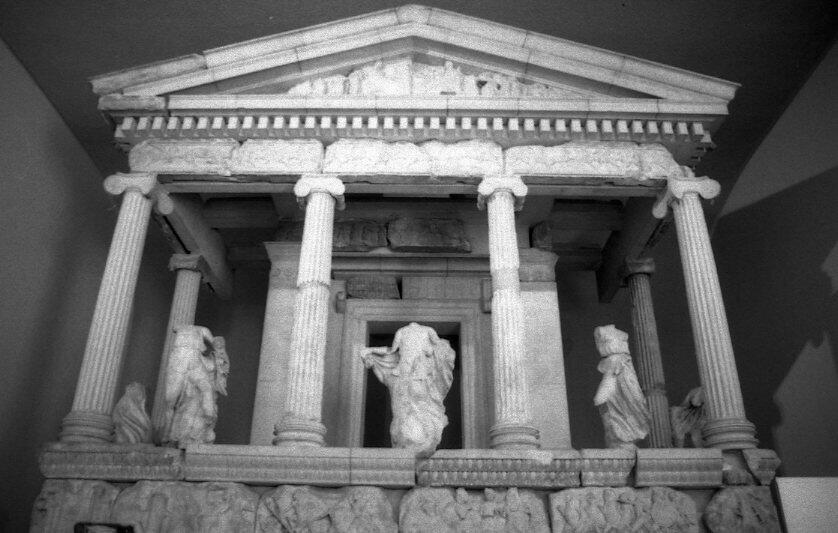
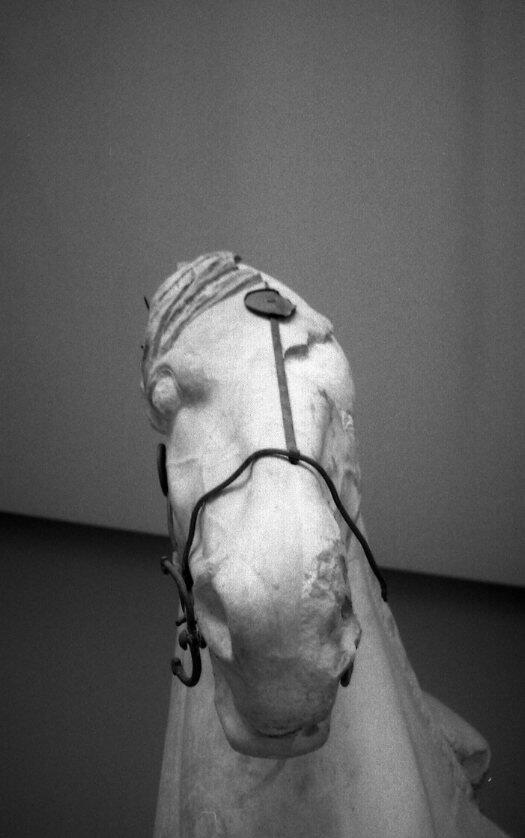
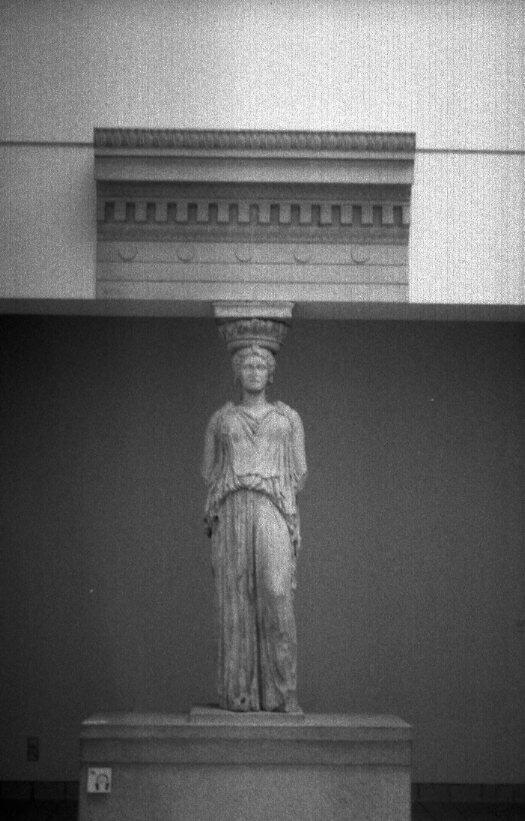
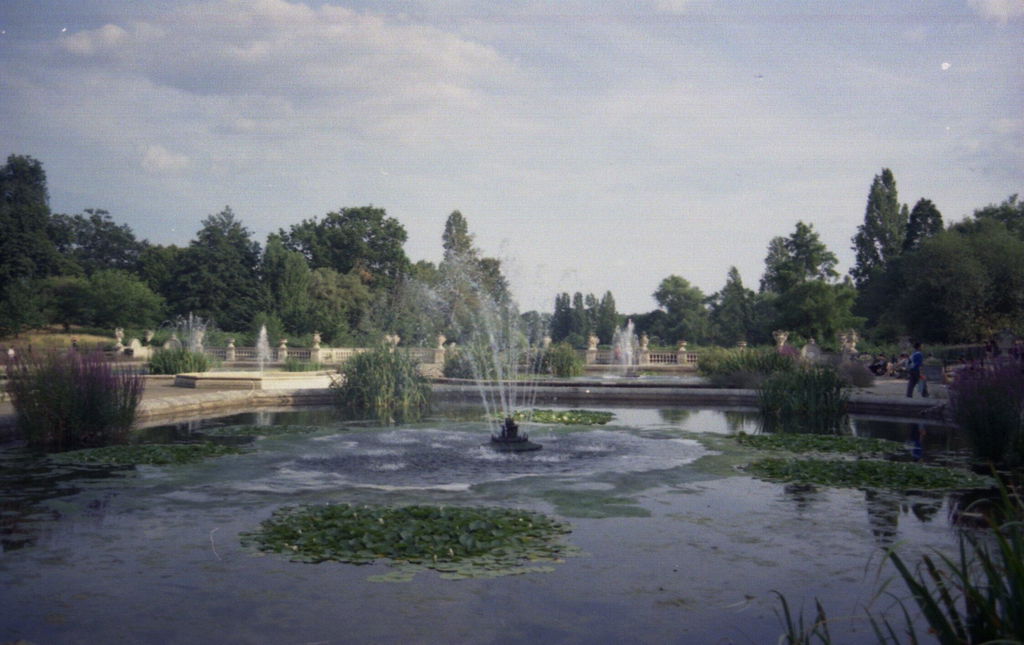
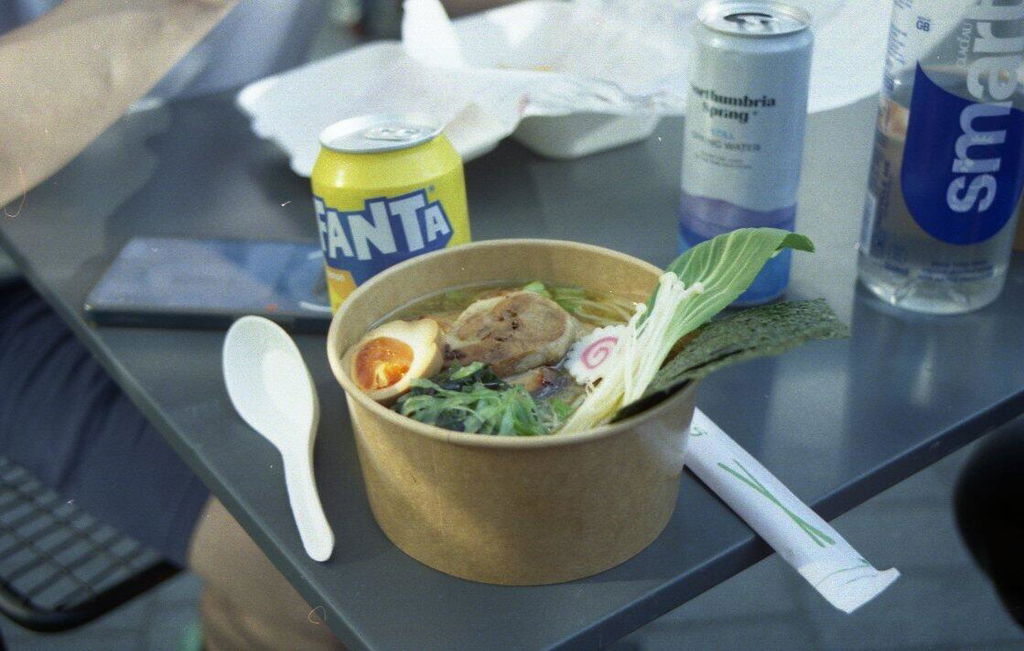
Six stars for the latest lot I've had back from the Wondies.
Great work.
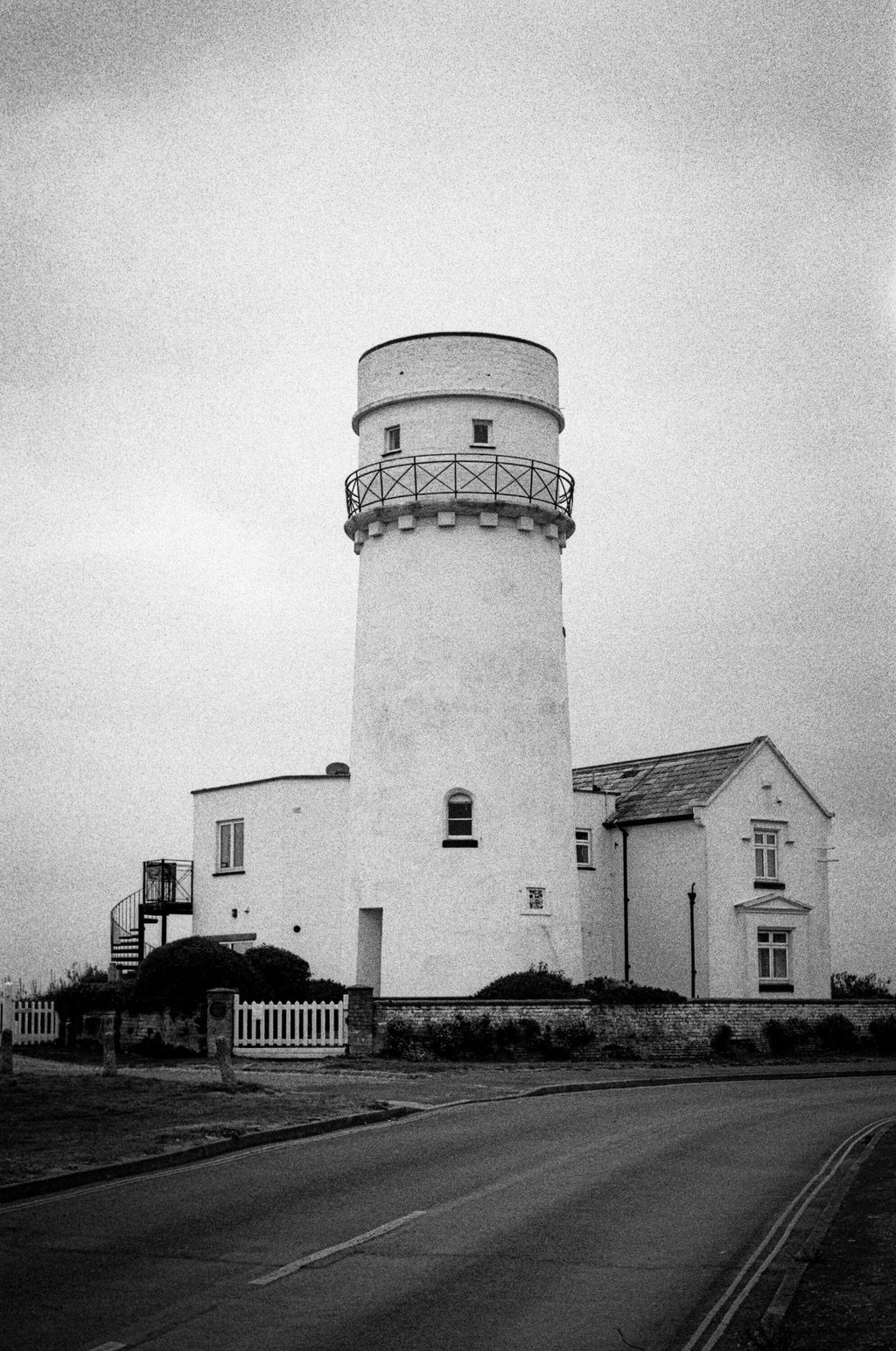
Lovely scans, clean as a whistle.
Great work as ever down at Wonderland.
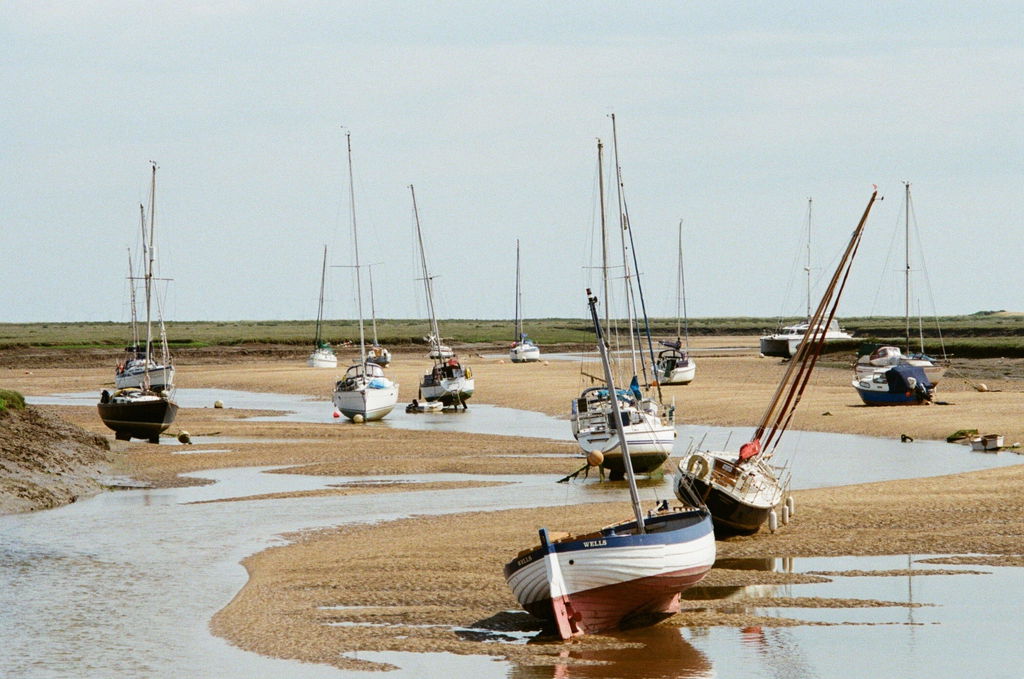
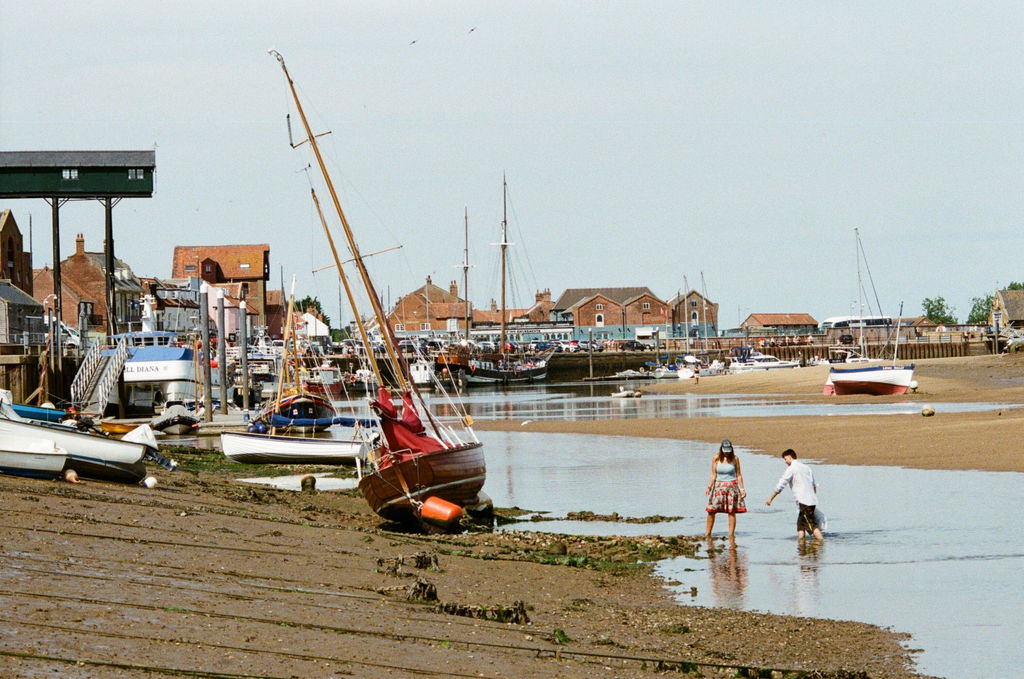
Delighted with the film processing quality and turnround times for my B/W photos and will also be using for colour in future....their jpeg quality is good and website navigation through all purchases is quick and simple.
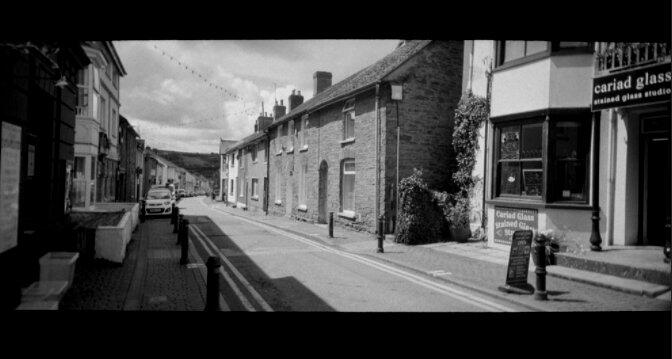
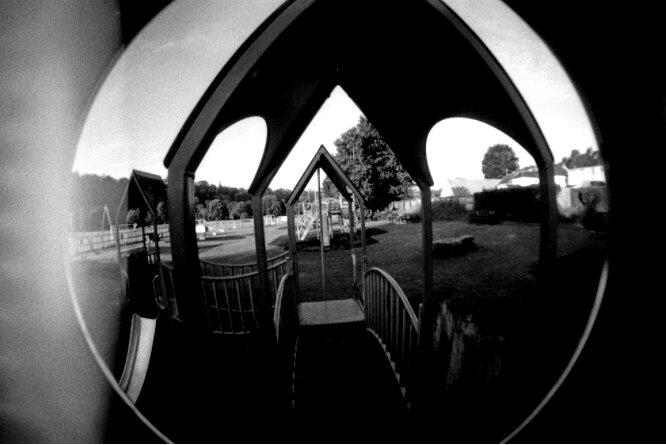
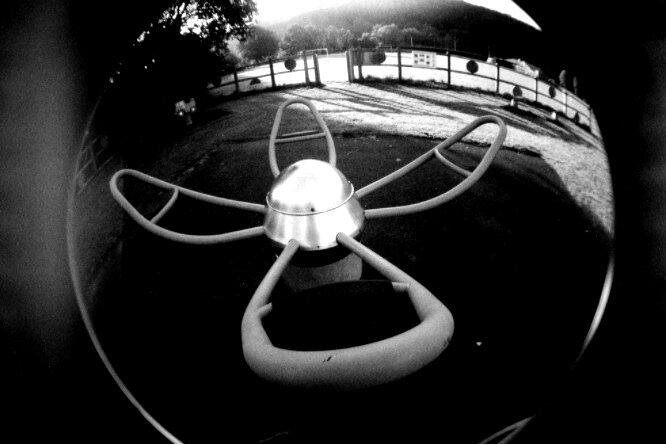
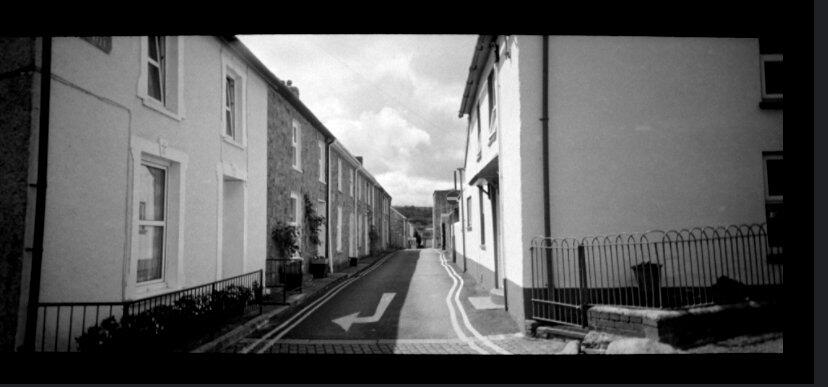
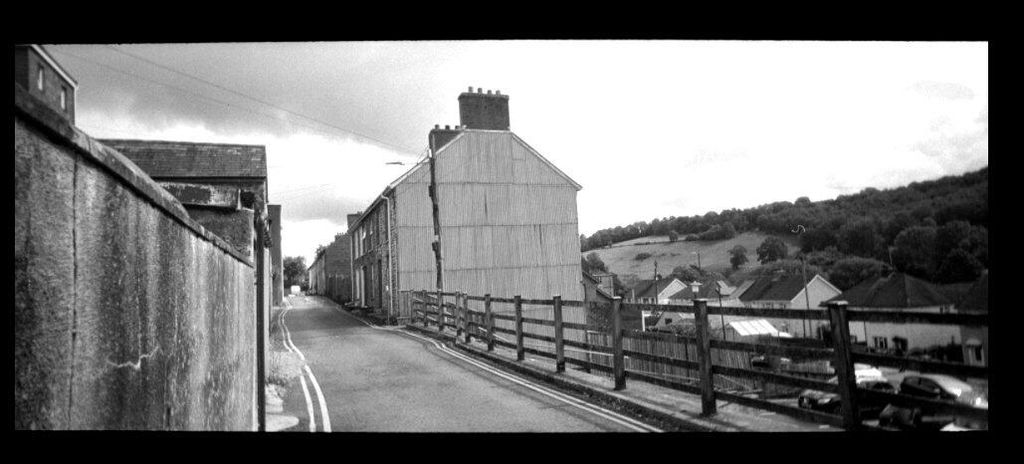
Amazing as always!
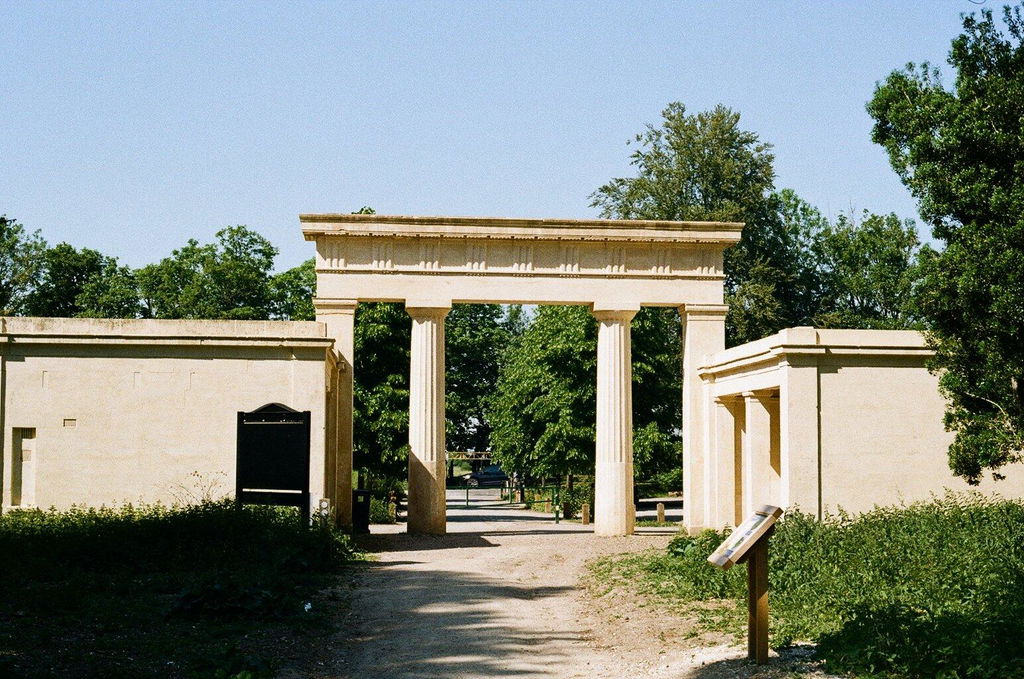
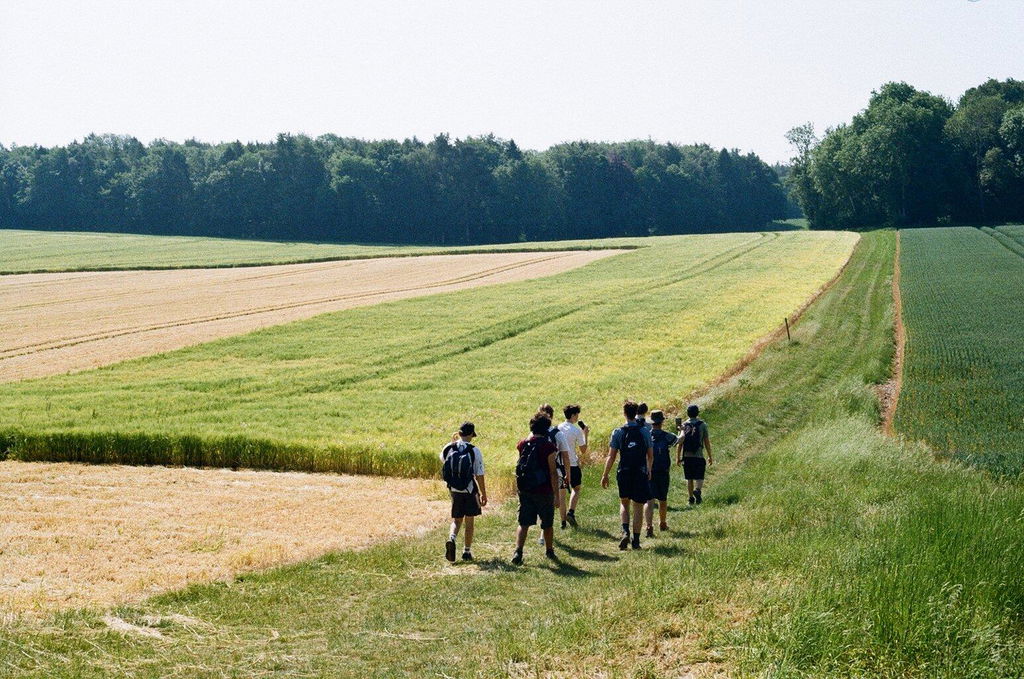
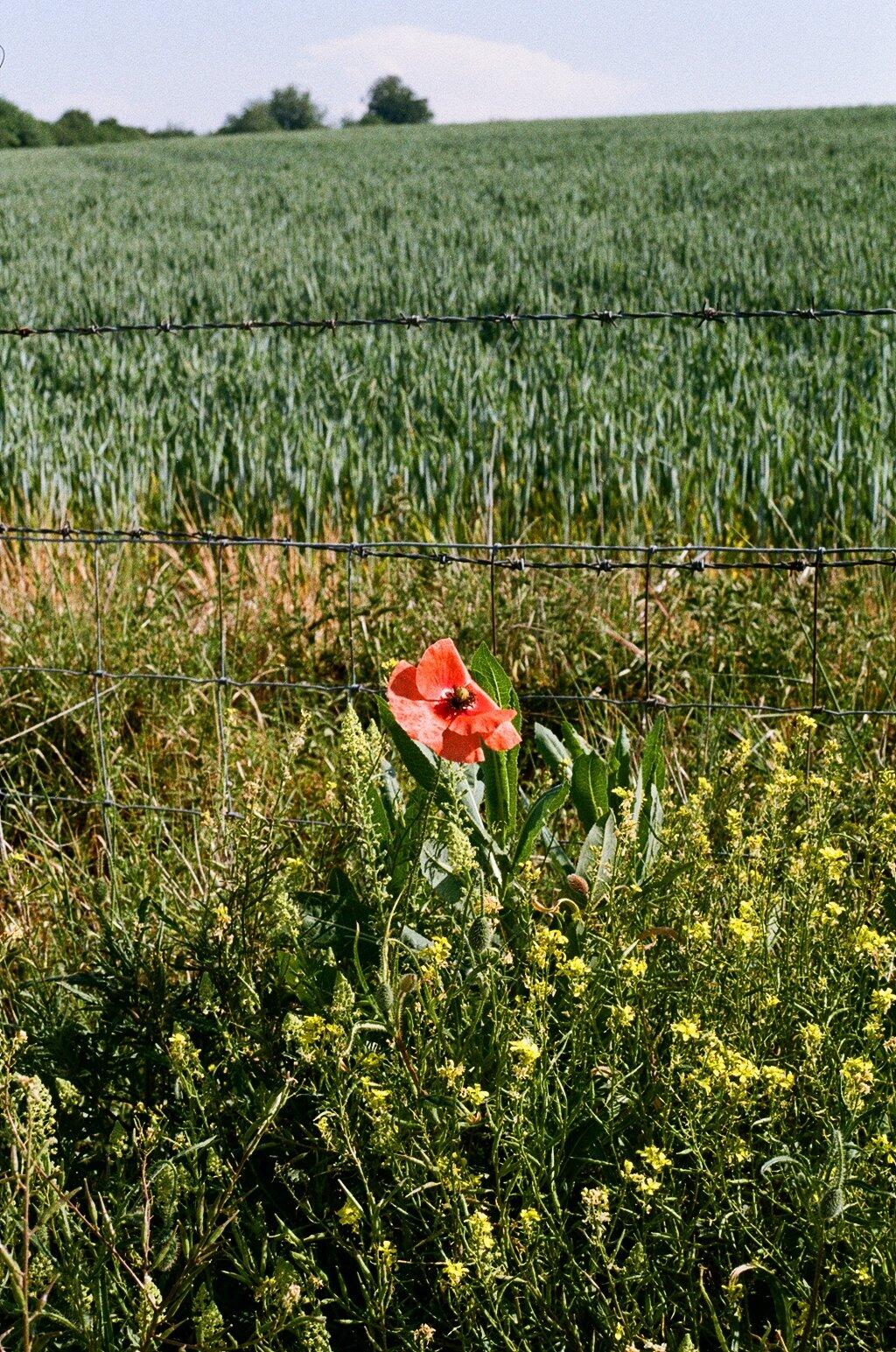
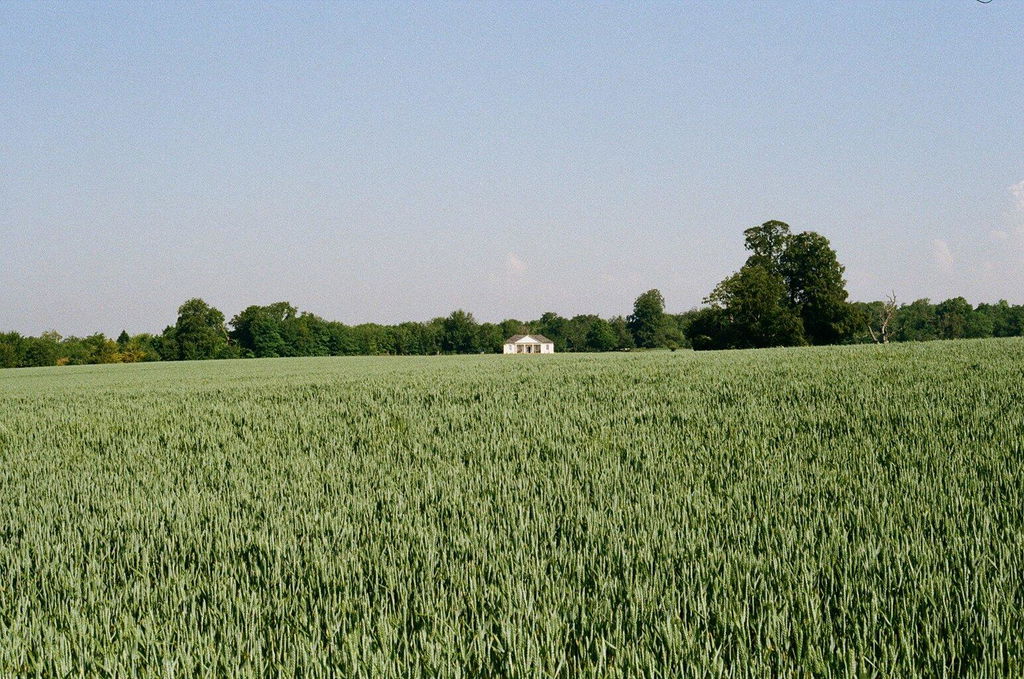
Quick service, great communication and scans look amazing! That’s why I always use AW 👌🏼
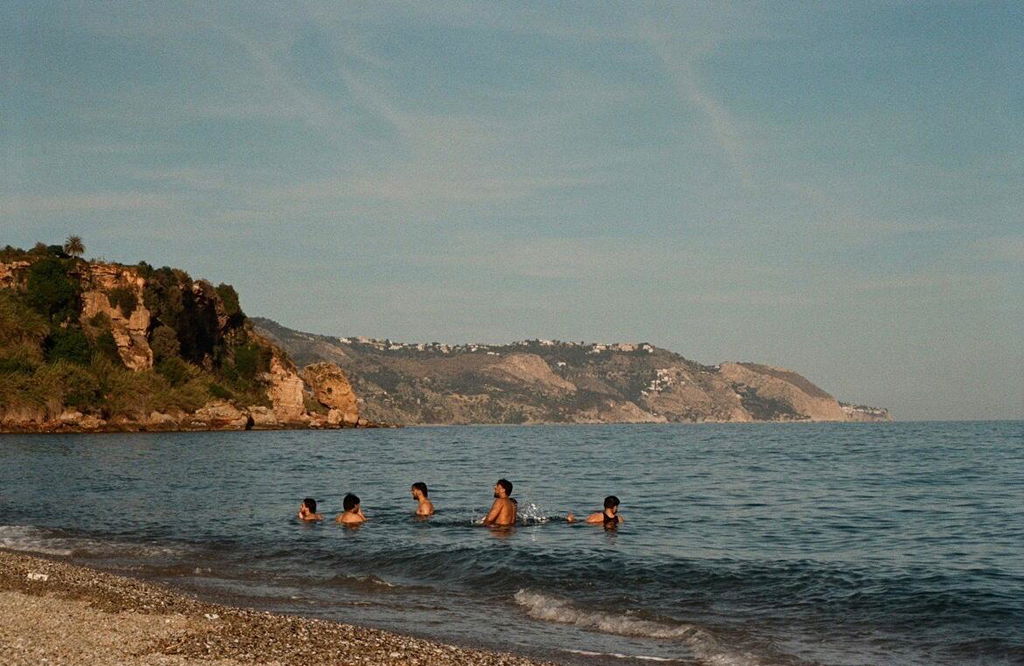
10/10 would recogmend
Hello, i was just double checking - is the 35mm film developing package for one roll of film? I have 3 rolls to develop so should i add 1 to cart or 3? Many thanks.
Hey Tom, yes that's correct. You'll need to add three lots of development to your basket, one per film :) Thanks, Amy
Be Inspired by the Film Community
Recently viewed
Frequently Asked Questions
We've made our film developing service as easy as a simple, six-step process for you to follow.
Step 1: Order Development and Scans.
Step 2: Download our Free Shipping Label and Send us your films.
Step 3: Our Lab Team work their magic!
Step 4: View and Download the scans on your phone or computer.
Step 5: Order any images you'd like printed.
Step 6: Receive your prints back with your negatives.
On average we will have your scans back within a week, however during peak business periods or with particular processing requirements this timeframe can change.
Read our up-to-date Lab Processing Times.
Super easy! Send your films into our lab with free tracked shipping - or return items from a recent delivery from our store by going to your local post-office or arranging a collection.
Please remember to use a secure box or padded envelope so that your items don't get damaged in transit.
We offer four resolution options for 35mm scanning with our Noritsu scanners (Fuji Frontier scans are available on request)
Low Res --> Best for social media / photo albums!
Low Res scans are perfect for printing in the regular 6x4" print size - they will also work well on social media or website where you need to keep loading speeds fast. EXAMPLE FILE
Standard --> Best for personal websites / zines / projects!
Standard scans will be absolutely fine for posting on social media, personal websites, emailing to friends/family, and for making prints up to size A4. EXAMPLE FILE
Premium --> Best for exhibits / large prints!
Premium scans are bigger and can also be used for posting on websites that can accept larger files (and won't simply compress that back down like Instagram or Facebook) - and they can make prints up to size A3. EXAMPLE FILE
Premium TIFF --> Best for home editors and professional display!
Premium TIFF scans are much bigger file sizes, so prepare for a longer download time and more computer memory needed! The bonus of this is that they contain much more information within the same number of pixels as the Premium JPEG scans, so you can edit them yourself (in Photoshop or similar) and get much better results with strong edits. EXAMPLE FILE
TIFF is a 'lossless' format, so hasn't had any compression applied by software before arriving in your inbox. It also means that even though the pixel resolution is the same as the Premium scan, you should be able to print slightly larger without loss of meaningful detail - up to size A2.
Note: In the unlikely event that we are unable to use our Nortisu scanner to scan your film, we will need to use either our Fuji SP3000 or our DSLR scanning setup. This means the resolution of the scans may change.
After we have scanned your 35mm negatives in our scanners there are a couple of steps to make your photos perfect. Our goal is always to present your scans just as you saw the shot through the viewfinder - but if you are comfortable with post-processing software then you may wish to go for the 'Correct & Rotate' package to do the work yourself.
You can compare the differences in the table below.
If you are looking to compare with other labs then please note that unless they have a post-scanning editing service then they will usually perform the actions 'Within the Scanner' but no further.
Our Correct & Rotate editing service ensures that the images you see are perfect for us straight away. Scanner corrections to density will be done as normal, and if we aren't happy at the final step (editing/quality control) then the film(s) will be sent back to scanning to be rescanned.
The editing technician will then rotate all the images to their correct orientation, and perform any other minor tasks required to ensure you're getting what you expect every time. With this service, we will not perform any editing that will take the image away from what it should normally look like. Please feel free to email help@analoguewonderland.co.uk if you have any questions.
When the team have perfected your scans then you'll get an email inviting you to view them in the 'My Photos' area of your customer account. You need to have made an account with a password - even if you haven't, the images will be safely stored there ready for you once you can log in.
You will be able to view and download all your images. You will also be able to select your favourites to print!
Simply click on all the images that you'd like to print, select size - quantity - finish, and add to your cart. See below for a simple illustration of the process.
The images will be sent back with your 35mm negatives. For more information head here.
It will usually say on the film canister (or box if you still have it!) - The two main types are C41 (colour) and Black & White.
Please note: Ilford XP2 is a black & white film that requires a C41 process.
You could also look up the film in our store by searching this page: All Film and checking its specifications.
If you have any concerns of questions about your film developing then just drop us a line at - help@analoguewonderland.co.uk - and we'll quickly help you to the right choice.
When you purchase film development from Analogue Wonderland, your service price is guaranteed for 12 months from the date of purchase.
After this period, if your film has not yet been submitted for processing, any redemption will require payment of the difference between your original purchase price and the current price of the equivalent service. See more in our terms of service (Section 5.1)
Any questions?
If we still haven't answered your question, you can contact us below and we will get back to you as soon as possible.
- Opens in a new window.